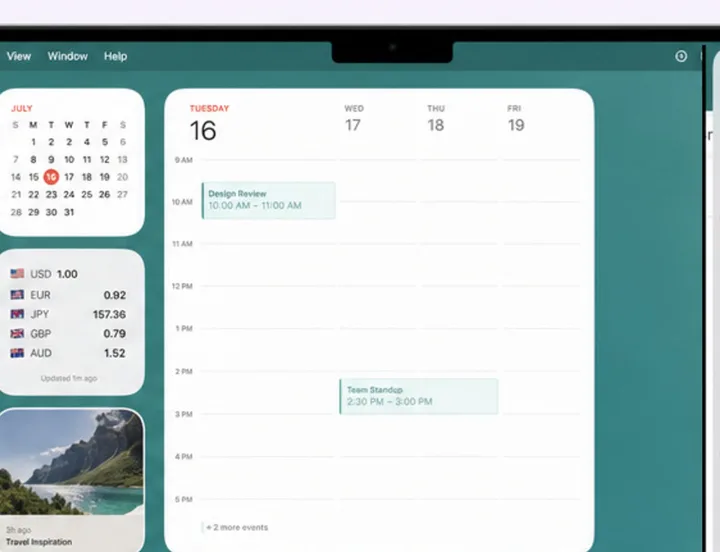
CloudShot on Mac, iPhone, iPad, and Apple Watch — one screenshot history synced across every device
Screenshot history for Apple devices

Every screenshot.One private timeline.

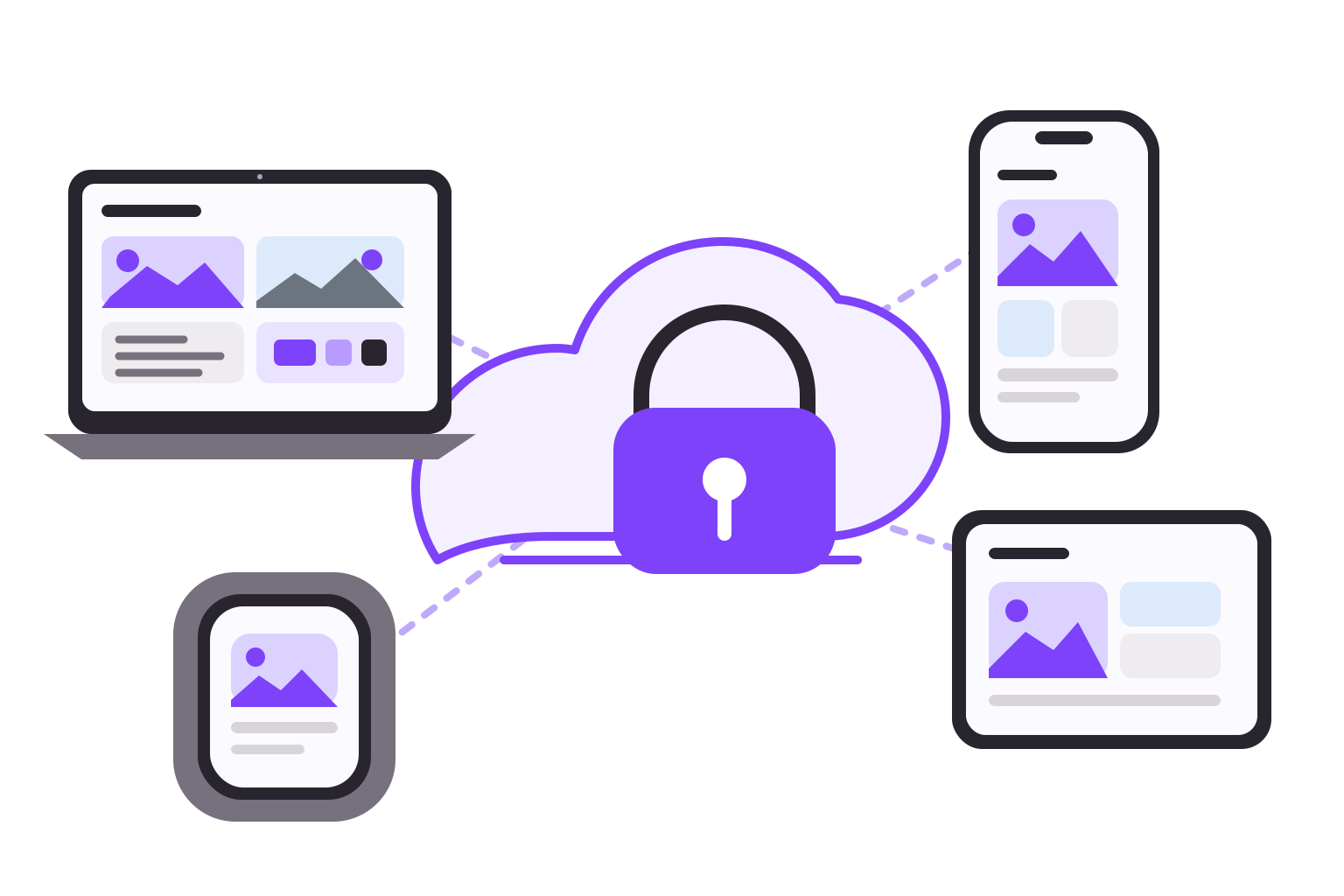
Capture on Mac, import from iPhone and iPad, and find any screenshot by what is inside it. CloudShot keeps your history in your own iCloud.

Every Pro feature is free to try on TestFlight — beta purchases run in Apple's sandbox and are never charged.

Private iCloud syncOn-device searchNo account

The screenshot exists. Finding it is the problem.

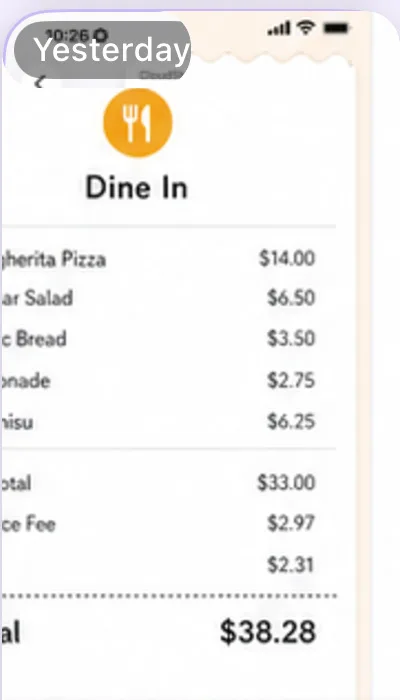
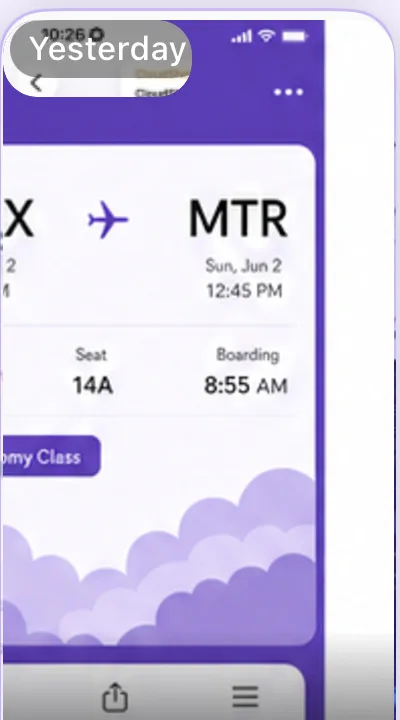
One history, searchable by what's inside it.

How it works

From capture to recall, automatically.

01

Capture or import.

Capture full screen, windows, or regions on Mac. Import the Screenshots album on iPhone and iPad, or use Save to CloudShot from the share sheet.

02

Understand on device.

Apple Vision recognizes text, objects, scenes, QR codes, barcodes, and visually similar screenshots without remote AI inference.

03

Find anywhere.

Pro syncs images through your private iCloud. Each device rebuilds its local OCR, tags, and intelligence index for fast search.

Private by design

Your screenshots stay yours.

  • Your screenshots sync through your own private iCloud — never a CloudShot server.
  • CloudShot has no separate account of its own.
  • OCR, tags, similarity search, redaction, and Apple Intelligence all run on device.

No CloudShot server exists — nothing to connect to.

Optional anonymous diagnostics are on by default in App Store builds, can be turned off anytime in Settings, and never include screenshot pixels or recognized content.

Editor and privacy tools

Ready before you share.

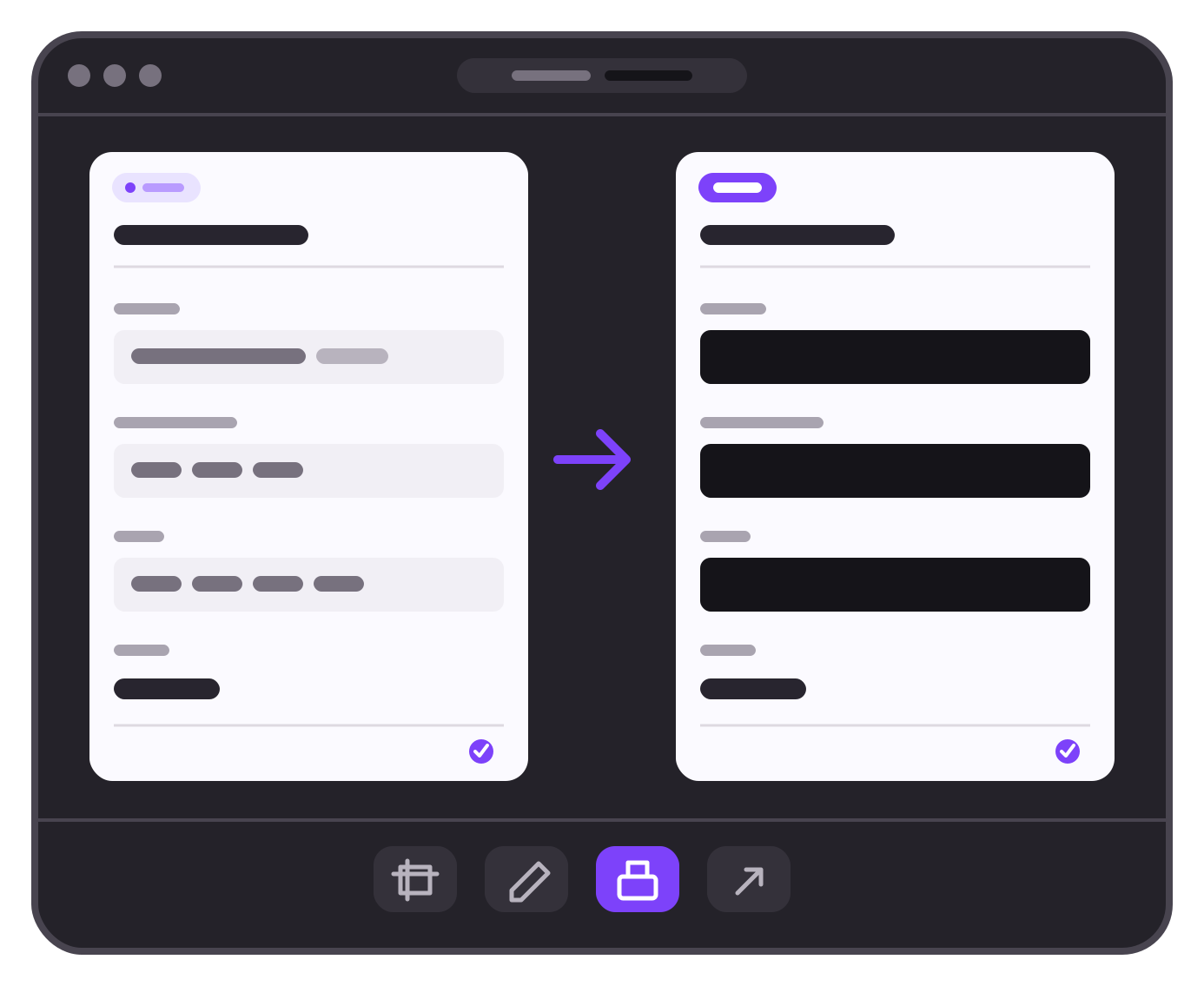
Annotate, crop, remove a background, or redact sensitive details — free, on Mac, iPhone, and iPad. Every export bakes in your edits.

Redact all text

Blur, pixelate, or cover detected text and selected regions.

Blur faces

Use on-device Vision to find faces before the screenshot leaves your device.

Across the Apple ecosystem

At home on every screen.

CloudShot works with the system instead of making you build a new workflow around it.

A real Mac capture workflow
Full screen, region, window, system chooser, custom shortcuts, menu-bar access, Quick Look, batch actions, and edge reveal.
A library built for iPhone and iPad
Automatic import, masonry grid, source filters, split view on iPad, zoomable detail, multi-select, and metadata.
Free Up Your Photos
Remove only screenshots already uploaded to CloudShot Pro, send them to Recently Deleted, and preview the space recovered.
Widgets, controls, and Live Activities
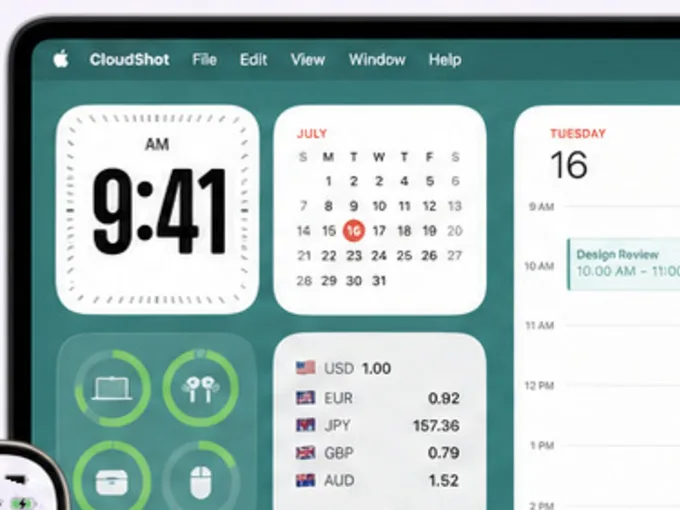
Use Recent Screenshots and Library Stats widgets, Open CloudShot and Import Screenshots controls, and follow import, indexing, and sync on the Lock Screen and Dynamic Island.
Shortcuts and Handoff
Search, import, retrieve the latest verification code, continue the same screenshot on another device, or use Siri and Action Button.
Share with control
Save from the system share sheet or create a read-only iCloud participant link for a screenshot already in sync.
A local Private section
Hide sensitive screenshots from the main timeline, iCloud upload, widgets, and Apple Watch.
30-day recoverable Trash
Restore deleted screenshots for 30 days. Delete Forever and Empty Trash always require confirmation.
Your latest on Apple Watch
Browse a fast, read-only two-column gallery with detail view, background refresh, and an offline thumbnail cache.
Pricing

Start free. Go Pro for sync, safe space recovery, and your full history.

One universal App Store purchase covers Mac, iPhone, iPad, and the companion Apple Watch app.

Want Pro first? Try any Pro plan free on TestFlight — sandbox purchases are never charged.

Free

$0
No subscription

A local screenshot workflow on your Apple devices.

  • Mac capture and local history
  • iPhone and iPad import
  • OCR, tags, search, and Quick Look
  • AI filenames and summaries on compatible devices
  • Editor, Private section, Trash, and sharing
  • Keeps your 50 most recent screenshots
Get CloudShot free

Pro Annual

$9.99
per year · or $0.99 per week

Private iCloud sync, safe space recovery, and your full synced history — beyond the free 50.

  • Sync across Mac, iPhone, iPad, and Apple Watch
  • Full synced history — beyond the free 50-screenshot limit
  • Safe Photos cleanup and iCloud participant links
  • 7-day annual trial for eligible customers
View Pro options

Pro Lifetime

$24.99
one-time purchase

The same Pro entitlement without a recurring subscription.

  • Everything included with Pro
  • Universal Purchase with your Apple ID
  • Pay once. Keep Pro. No renewal.
Buy lifetime

Weekly and annual subscriptions renew automatically until cancelled. The 7-day trial applies only to eligible annual subscribers. App Store pricing and availability may vary by region.

Questions, answered

The useful details.

CloudShot

Your screenshot history, finally organized.

Start with a complete local workflow. Add private iCloud sync whenever you want the same history across your devices.

Every Pro feature is free to try on TestFlight — beta purchases run in Apple's sandbox and are never charged.