Blog
Videos, carousels and notes about CloudShots, the screenshot manager for Mac, iPhone and iPad.
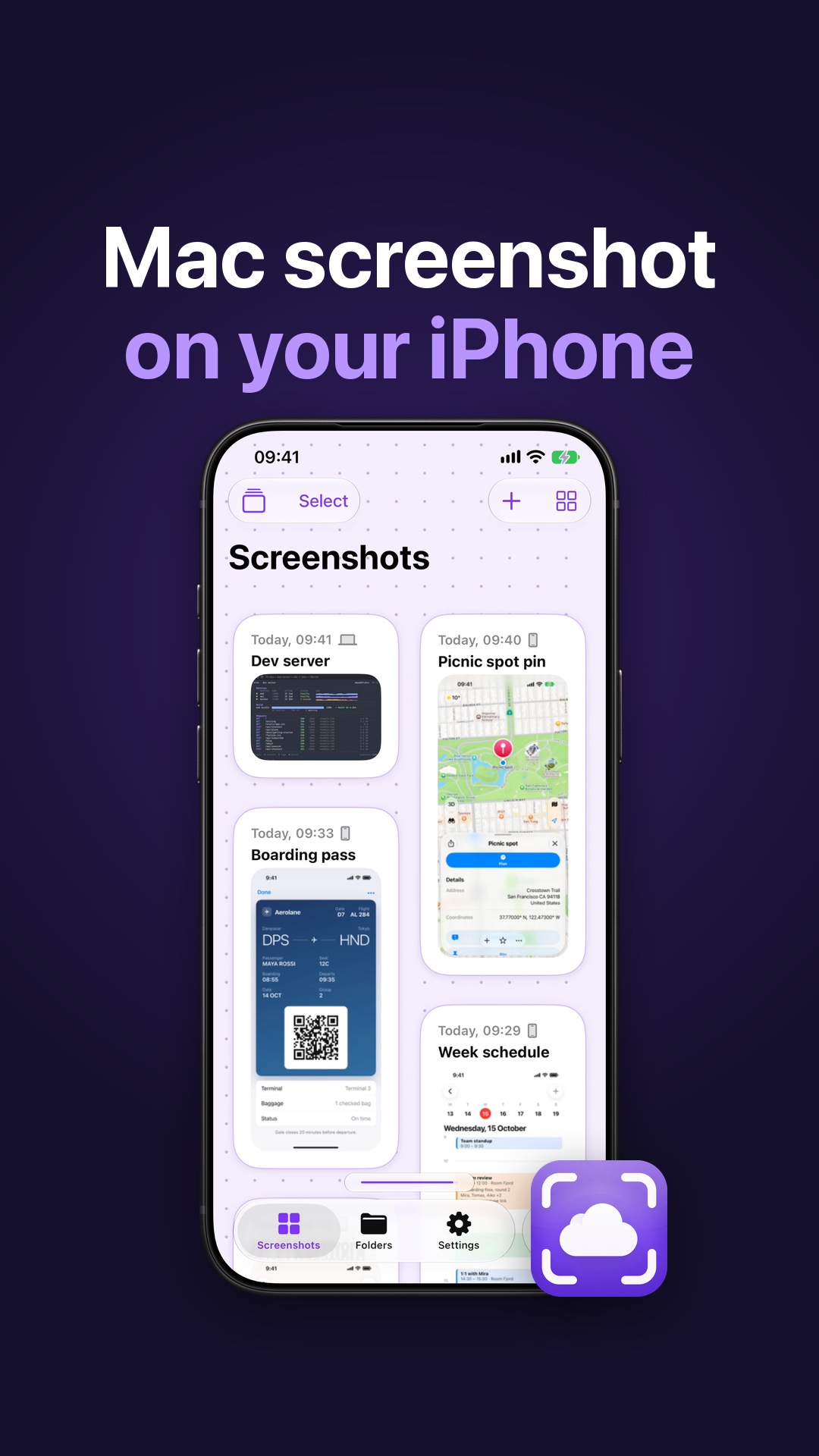 Get Mac Screenshots on iPhone Without Cables or AirDropTake a screenshot on your Mac and find it in your iPhone feed. Here is how CloudShots syncs Mac screenshots through your own private iCloud.
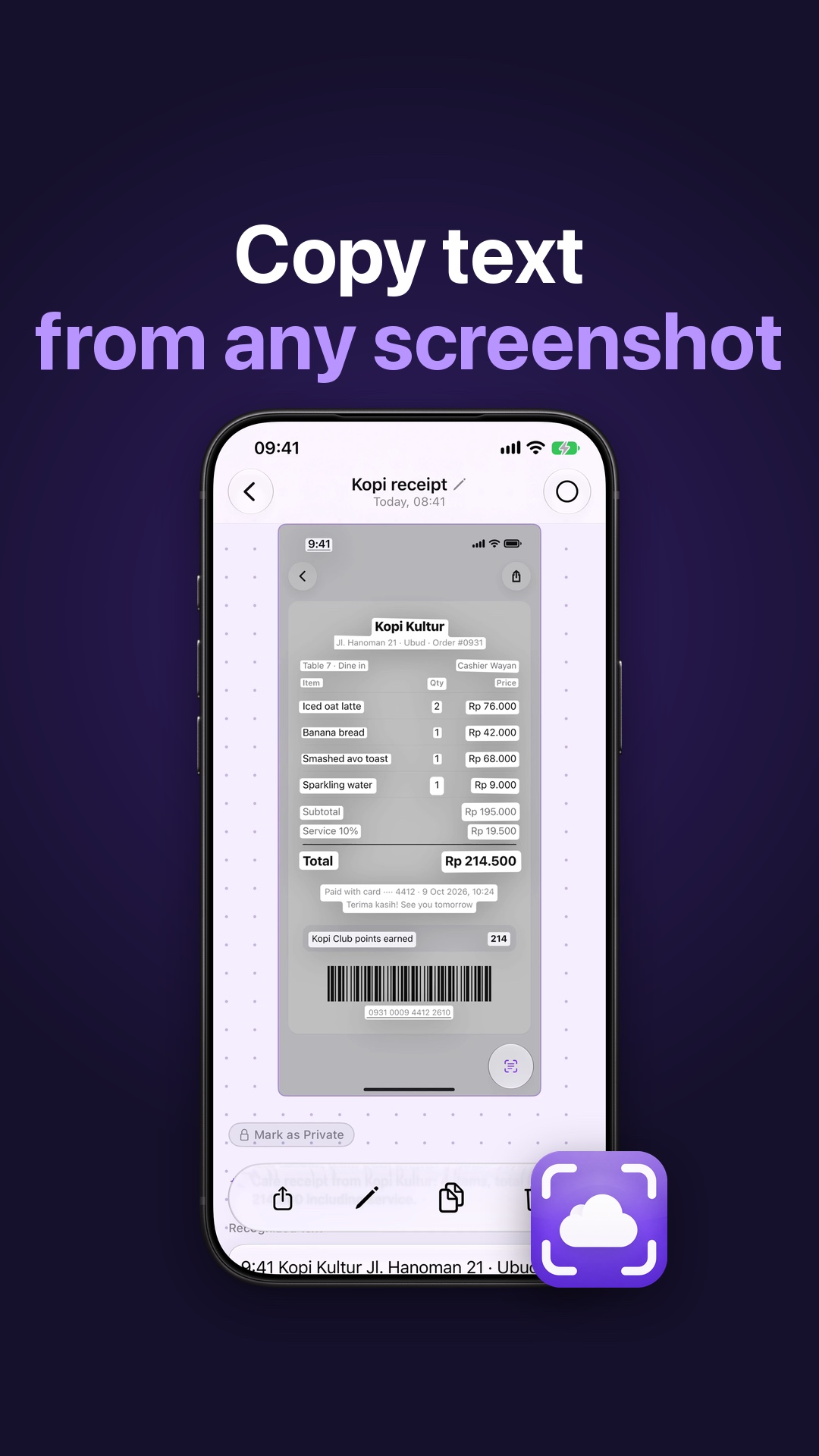 Copy Text From Any Screenshot on iPhone, iPad and MacCopy text from any screenshot on iPhone, iPad and Mac. Turn on Live Text in CloudShots and tap Copy. The words are read on your device.
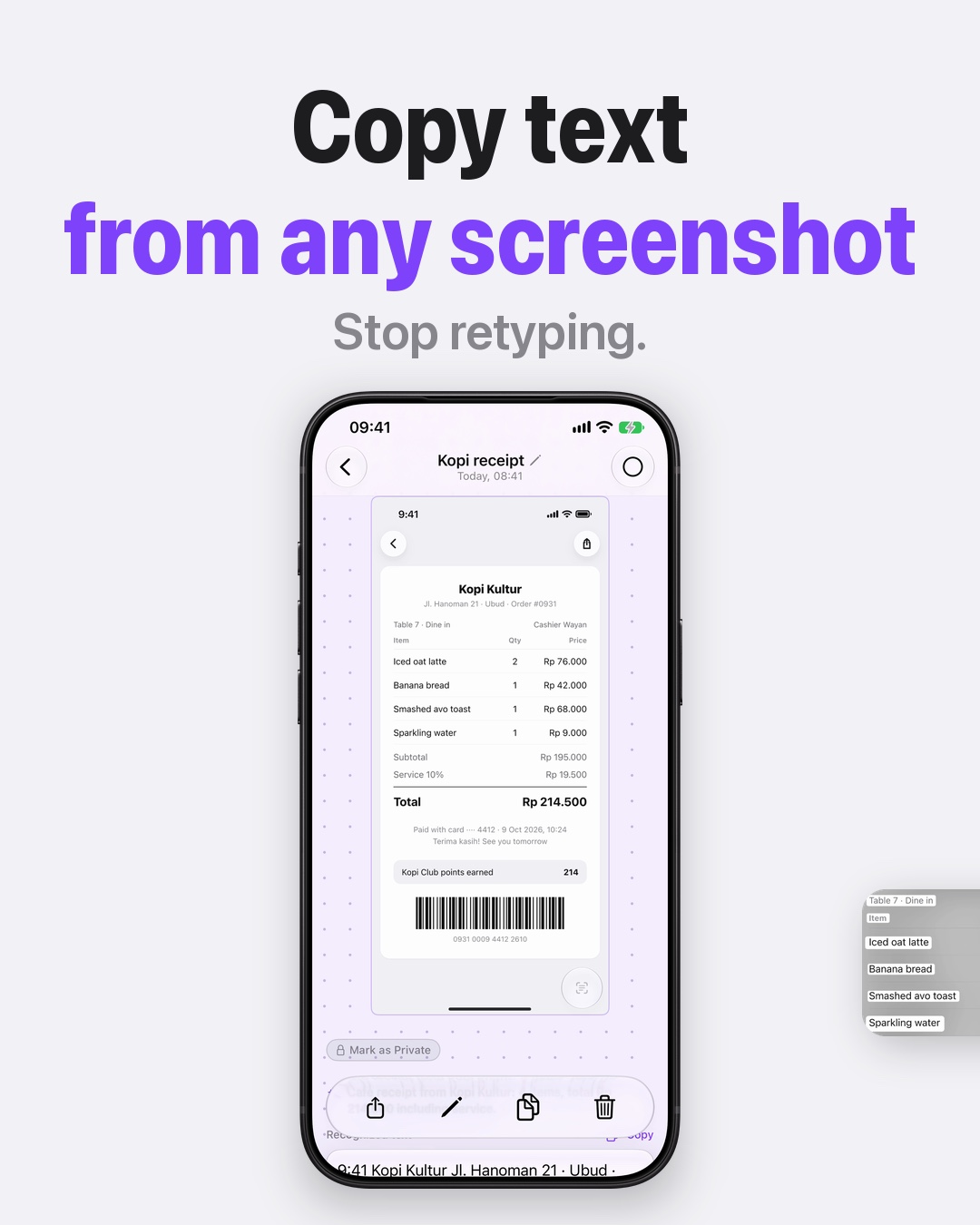 Recognized Text and a Copy Button for Any ScreenshotHow to copy text from any screenshot on iPhone and iPad: CloudShots marks the recognized words and gives them a Copy button, so nothing gets retyped.
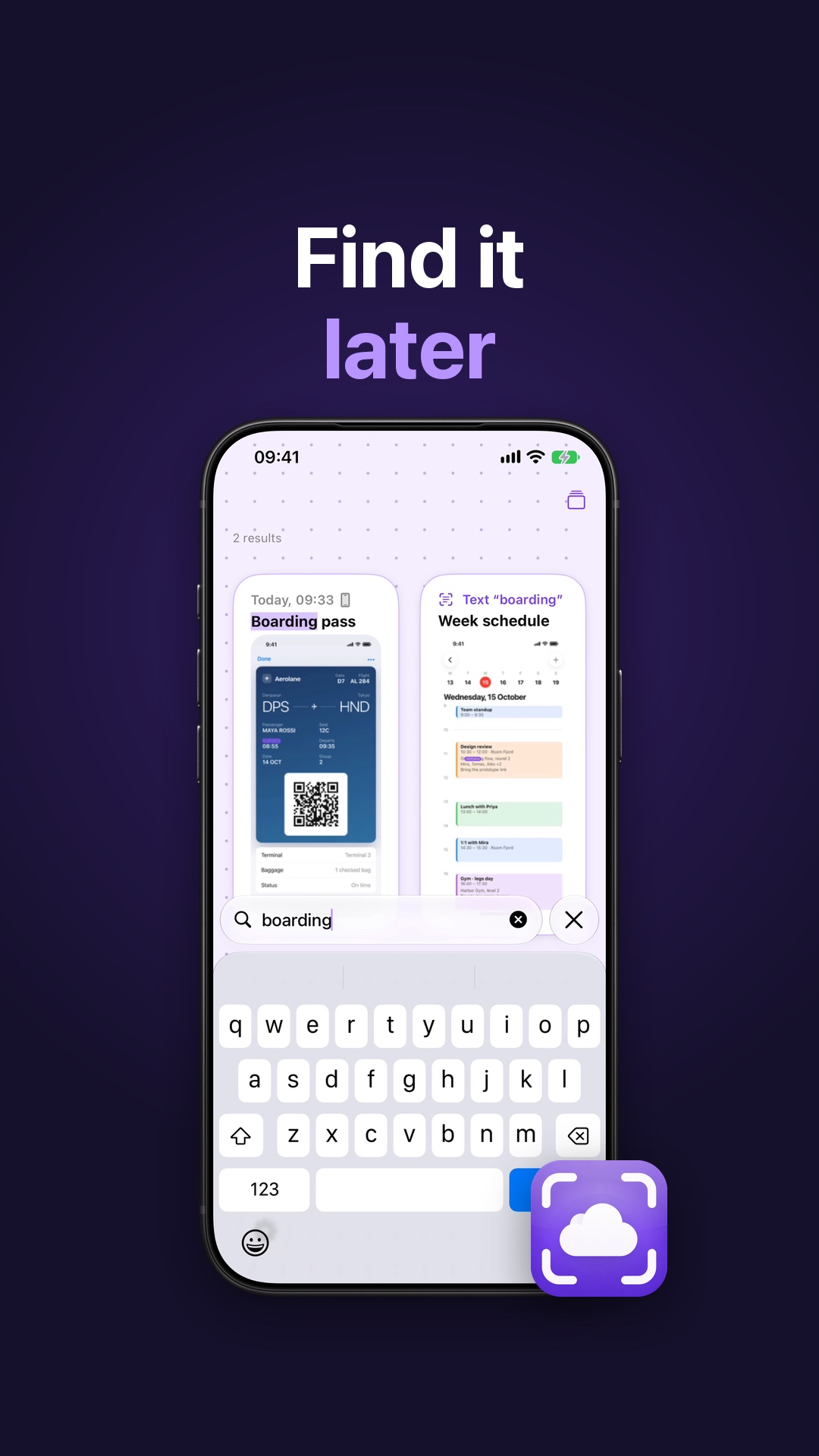 Find Your Screenshots of Places Again on iPhone and MacScreenshots of places get lost fast. CloudShots reads the text inside each one on your device, so one word finds it again on iPhone and Mac.
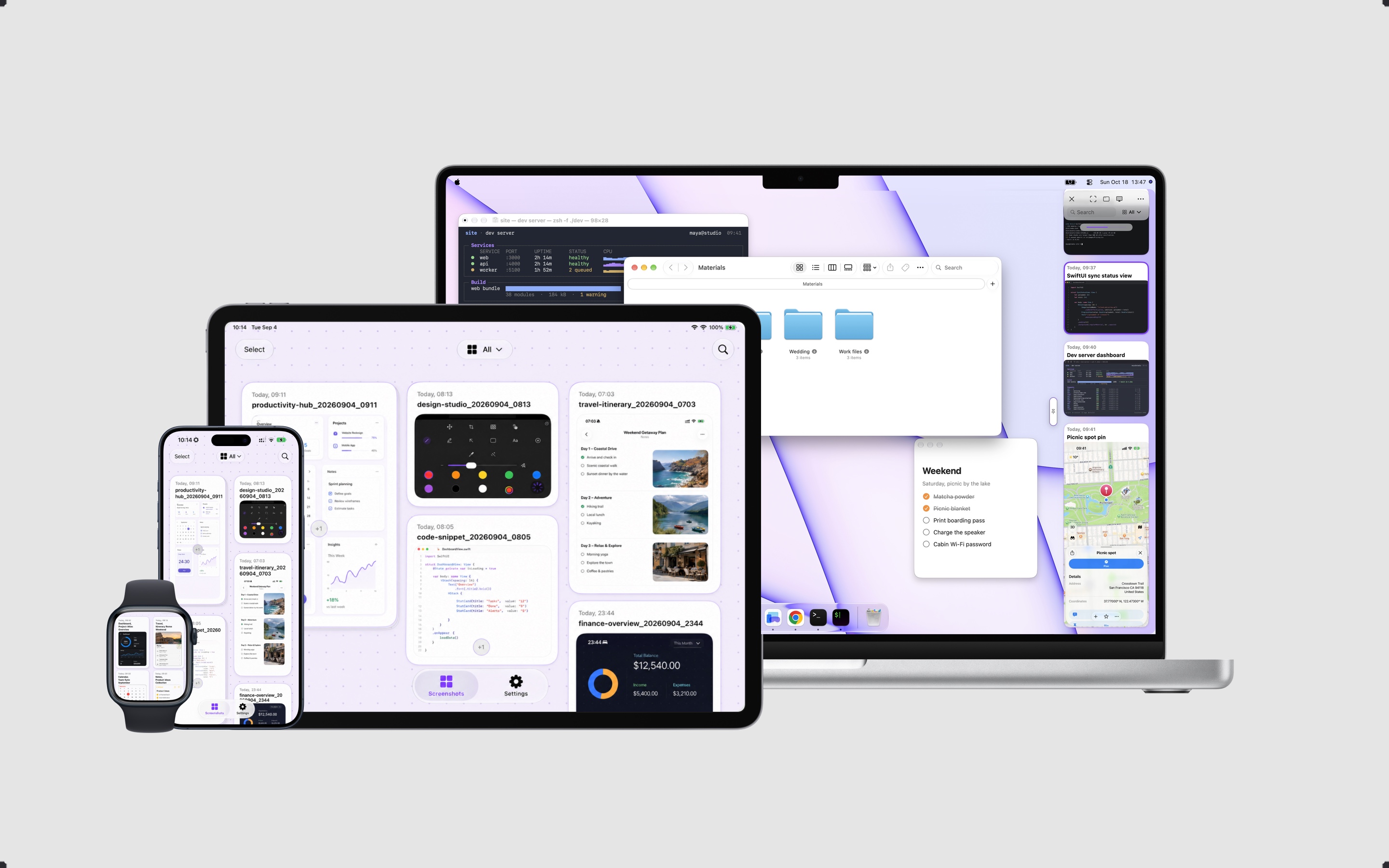
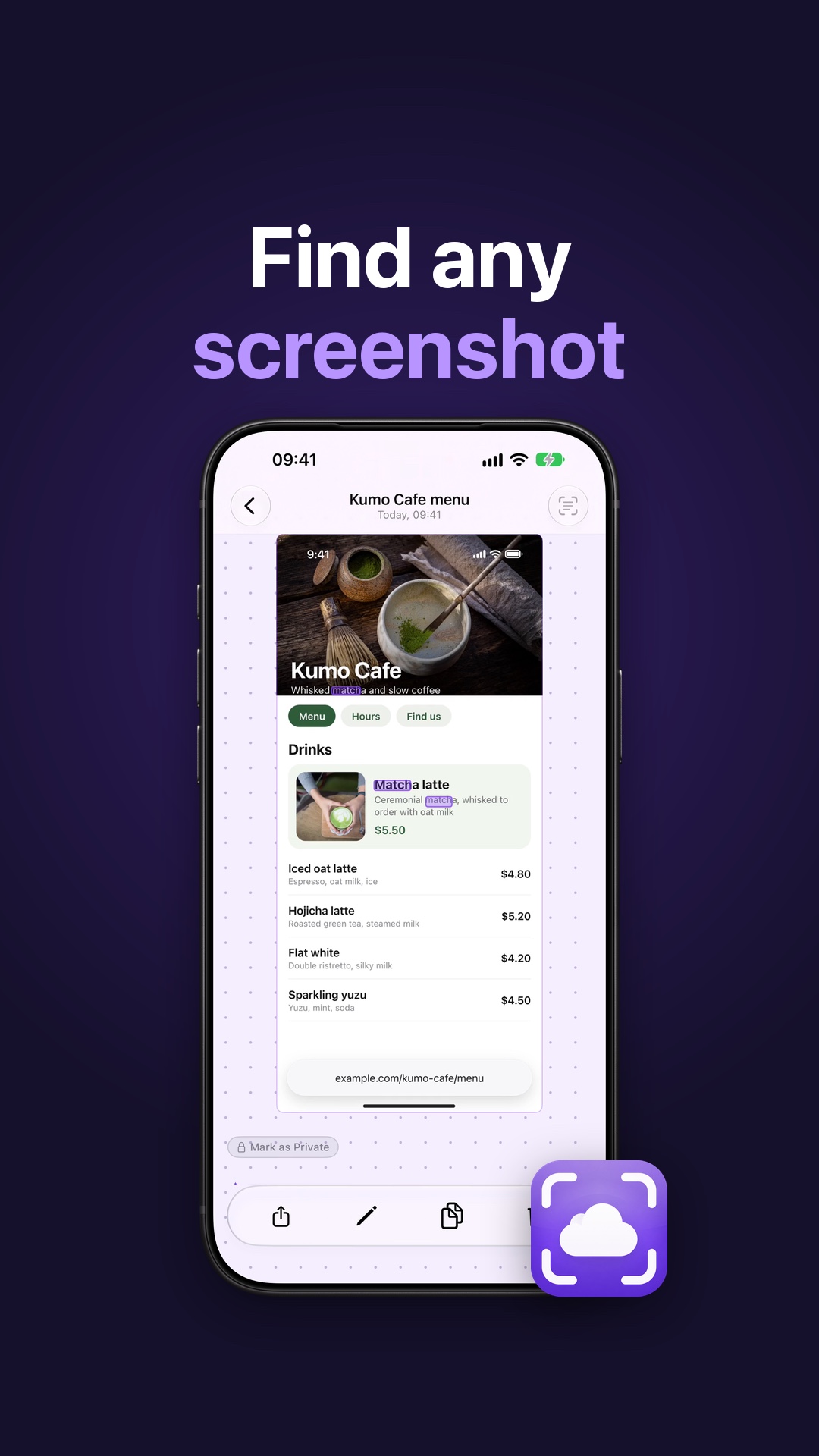 A Screenshot Manager for iPhone, Mac, iPad and Apple WatchA screenshot manager for iPhone and Mac: one panel for every screenshot, search the text inside, smart names, and the same library on iPad and Apple Watch.
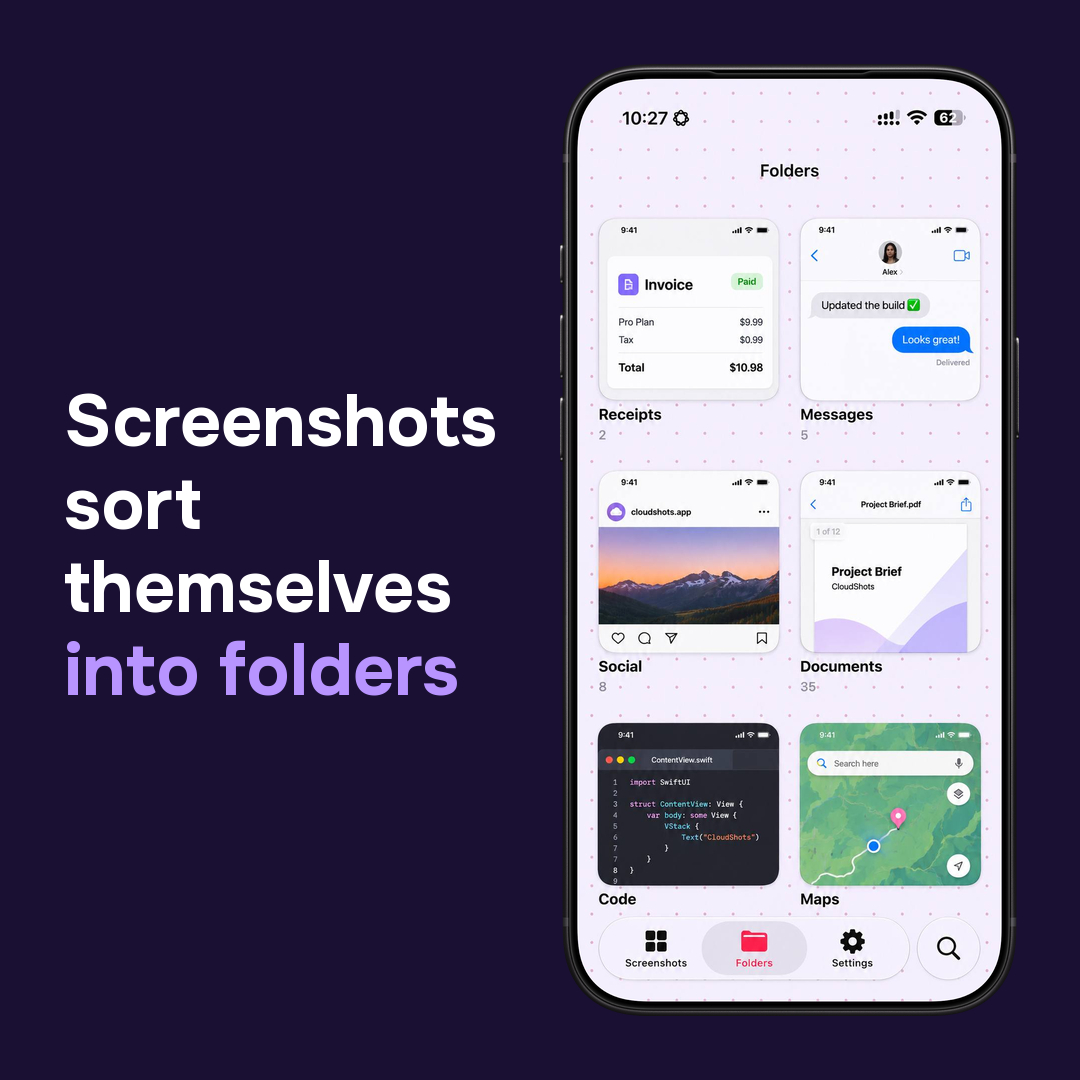 CloudShots Folders: screenshots sorted by what they areCloudShots sorts iPhone screenshots into folders such as Receipts, Messages, Documents, Code and Maps, each with a preview of what is inside.
 CloudShots icon: nine color optionsNine color versions of the CloudShots icon: a white cloud inside viewfinder corners on purple, gray, pink-red, magenta, blue, green, yellow, orange and red.
 What CloudShots Shows About a Screenshot on iPhone, iPad, MacOpen a screenshot in CloudShots to see its source, size, sync state, the text read from it, detected phone and account numbers and tags on iPhone, iPad and Mac.
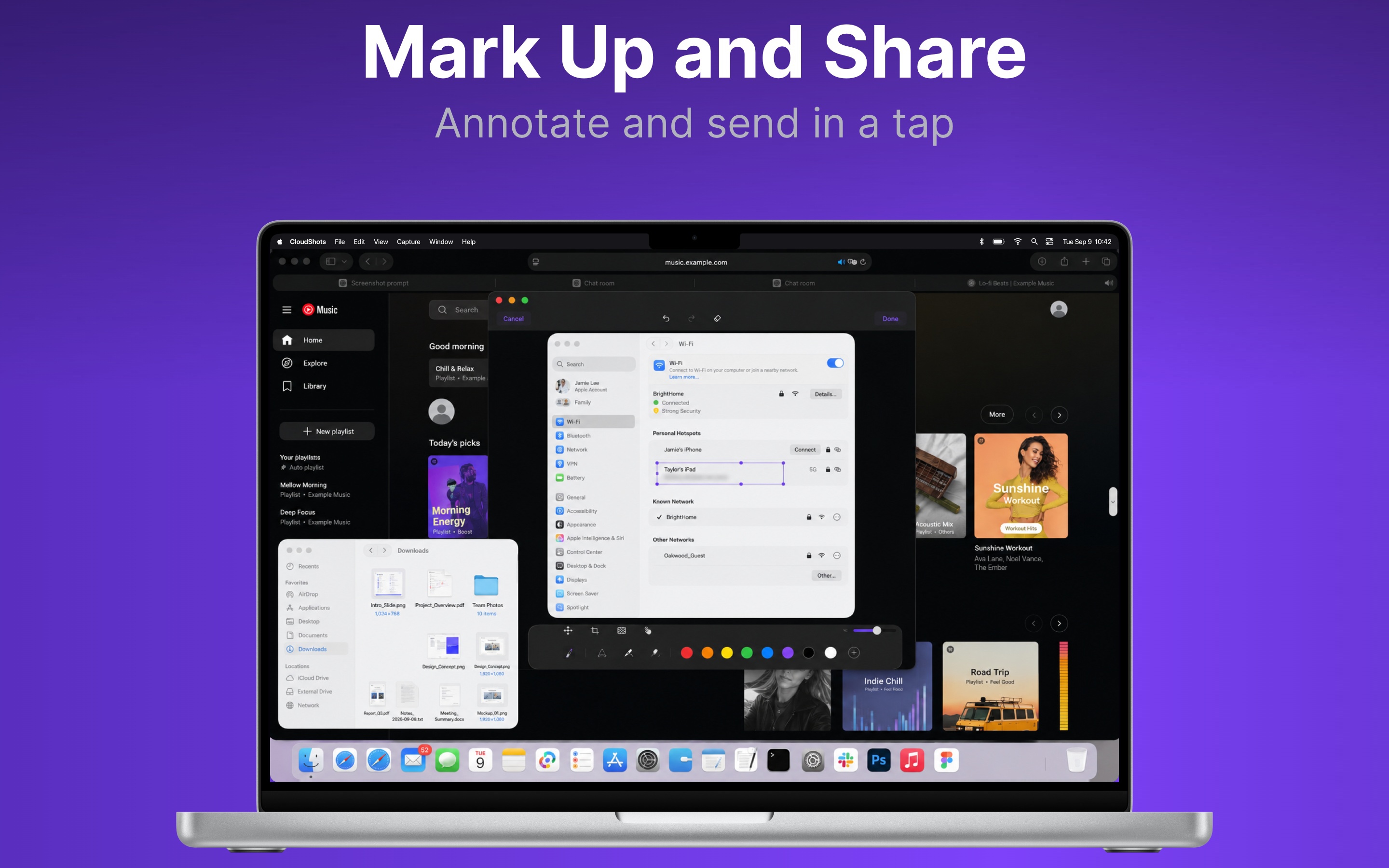 How to Add a Background to a Screenshot on MacAdd a background, padding, rounded corners and a shadow to a Mac screenshot with Export with Frame in CloudShots, then copy, save or share the finished image.
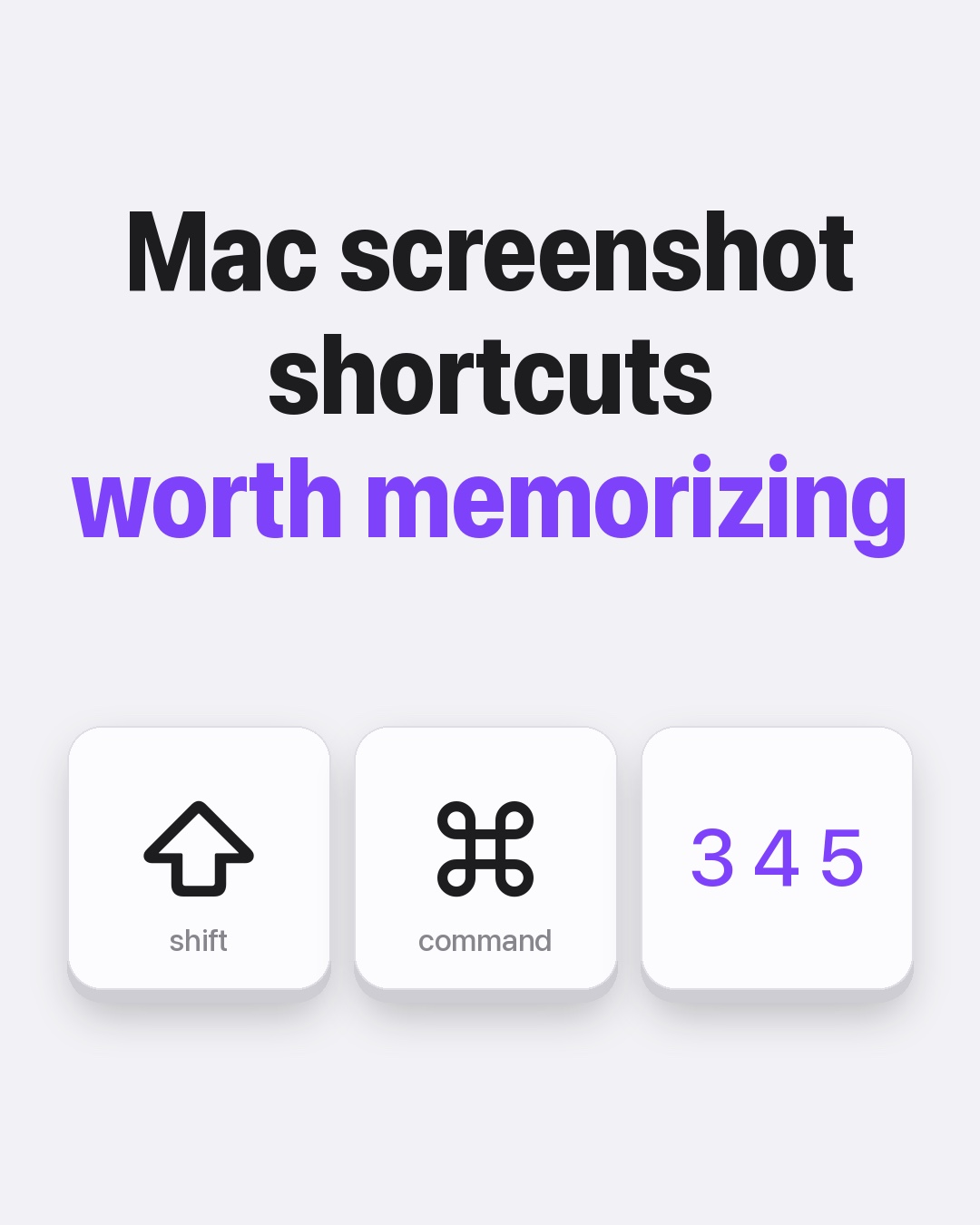 Mac Screenshot Shortcuts Worth MemorizingFive Mac screenshot shortcuts worth memorizing: whole screen, area, one window, copy to clipboard and save location, then send them to your iPhone.
 iPhone screenshot tricks: 5 you may be missingCapture a full page, screenshot with a back tap, copy text from a picture, crop before saving, and find any screenshot by a word with CloudShots.
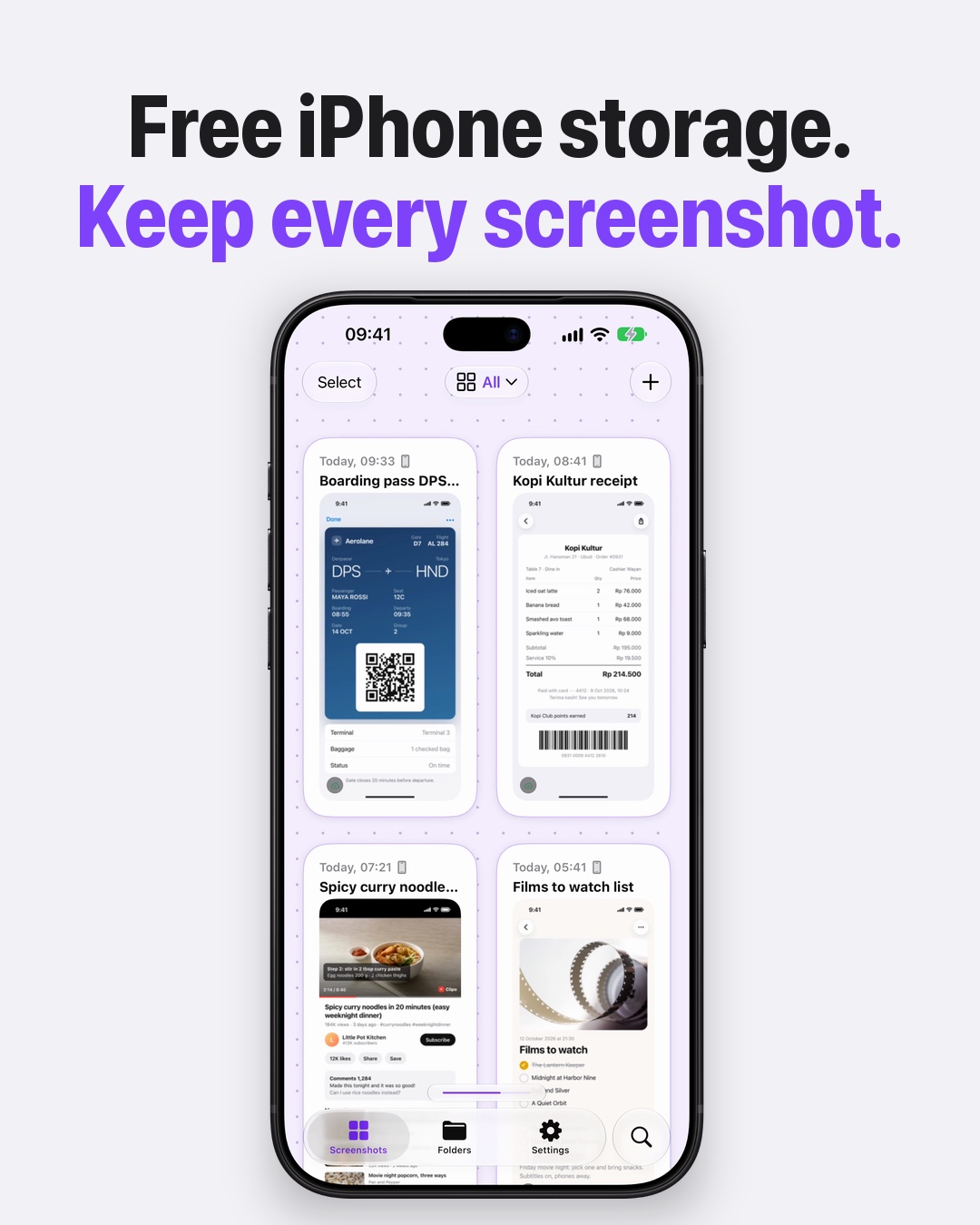 Free up iPhone storage without losing a screenshotFree up iPhone storage by cleaning up screenshots. CloudShots syncs them to your private iCloud first, then removes the Photos copies; none are lost.
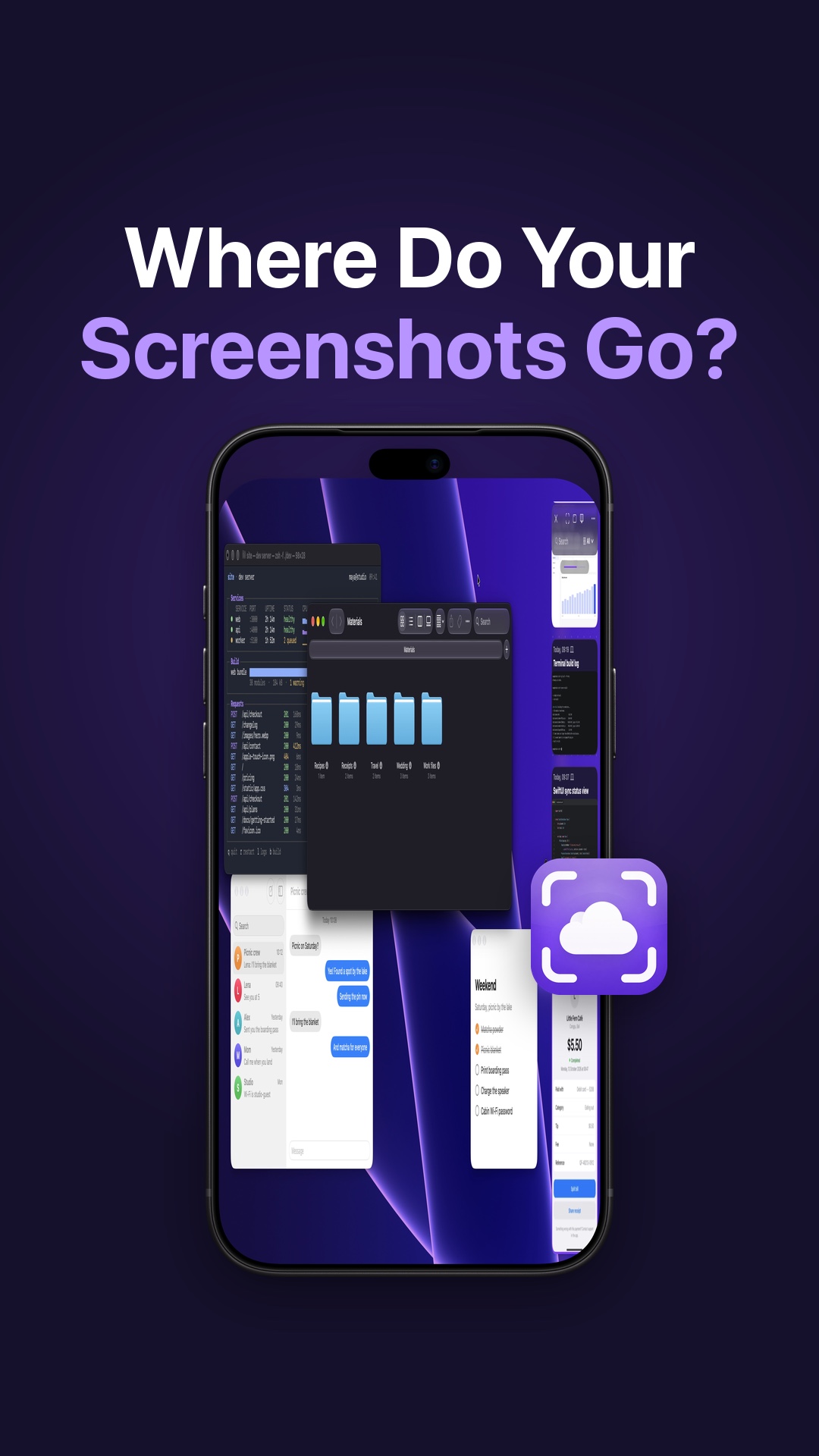 A Screenshot App Without Servers: Where Your Screenshots GoWhere do your screenshots go? Here is how CloudShots reads and syncs them with on-device AI and your own iCloud, and what it still sends: diagnostics only.
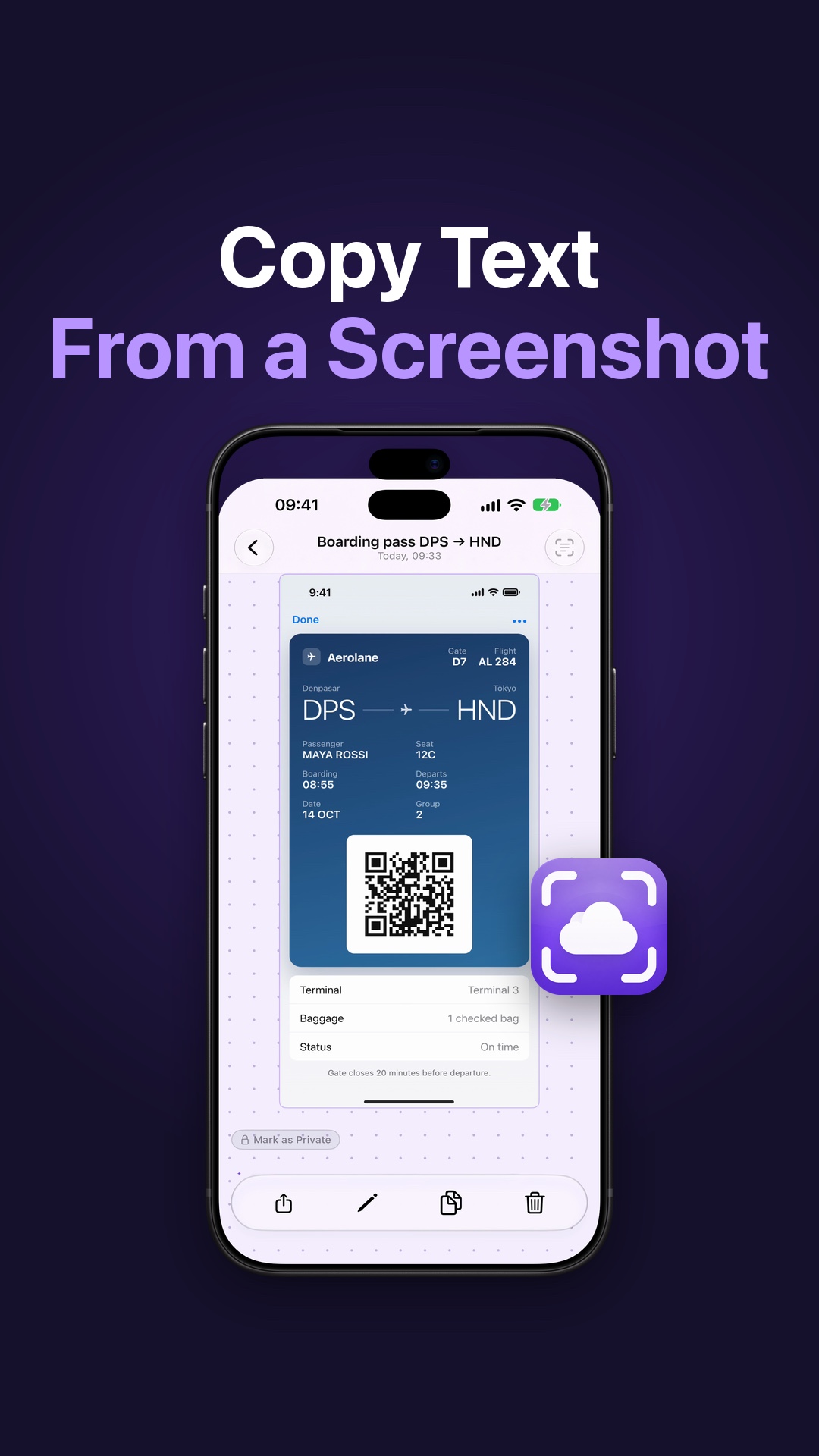 How to Copy Text From a Screenshot on iPhoneCopy a password, address or recipe straight out of a screenshot on your iPhone. Here is how CloudShots reads the text on your device so you do not retype it.
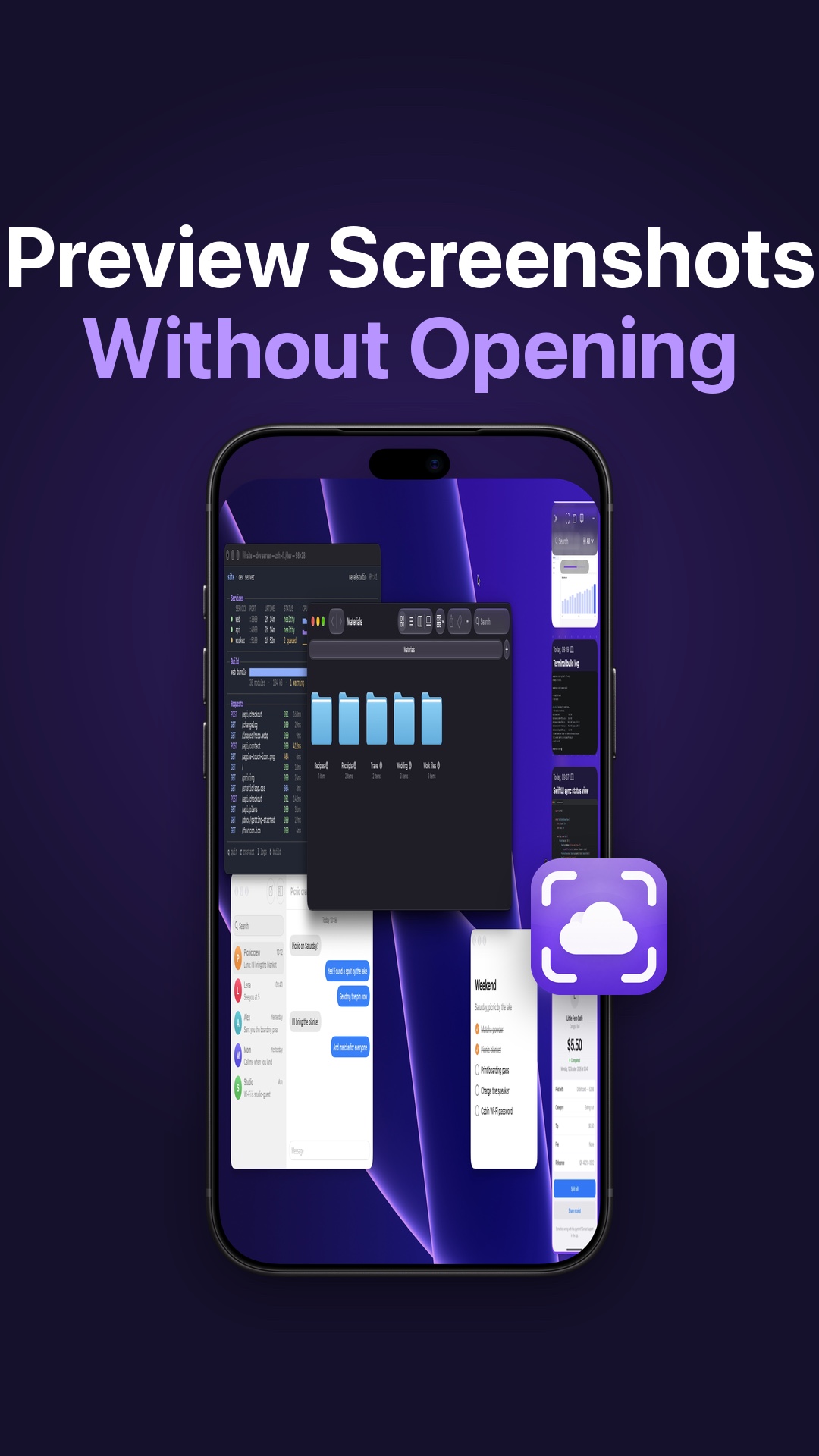 Preview Screenshots on Mac Without Opening ThemSkip the app launch: keep your Mac screenshots in a panel at the screen edge and press Space for Quick Look. Here is how CloudShots does it.
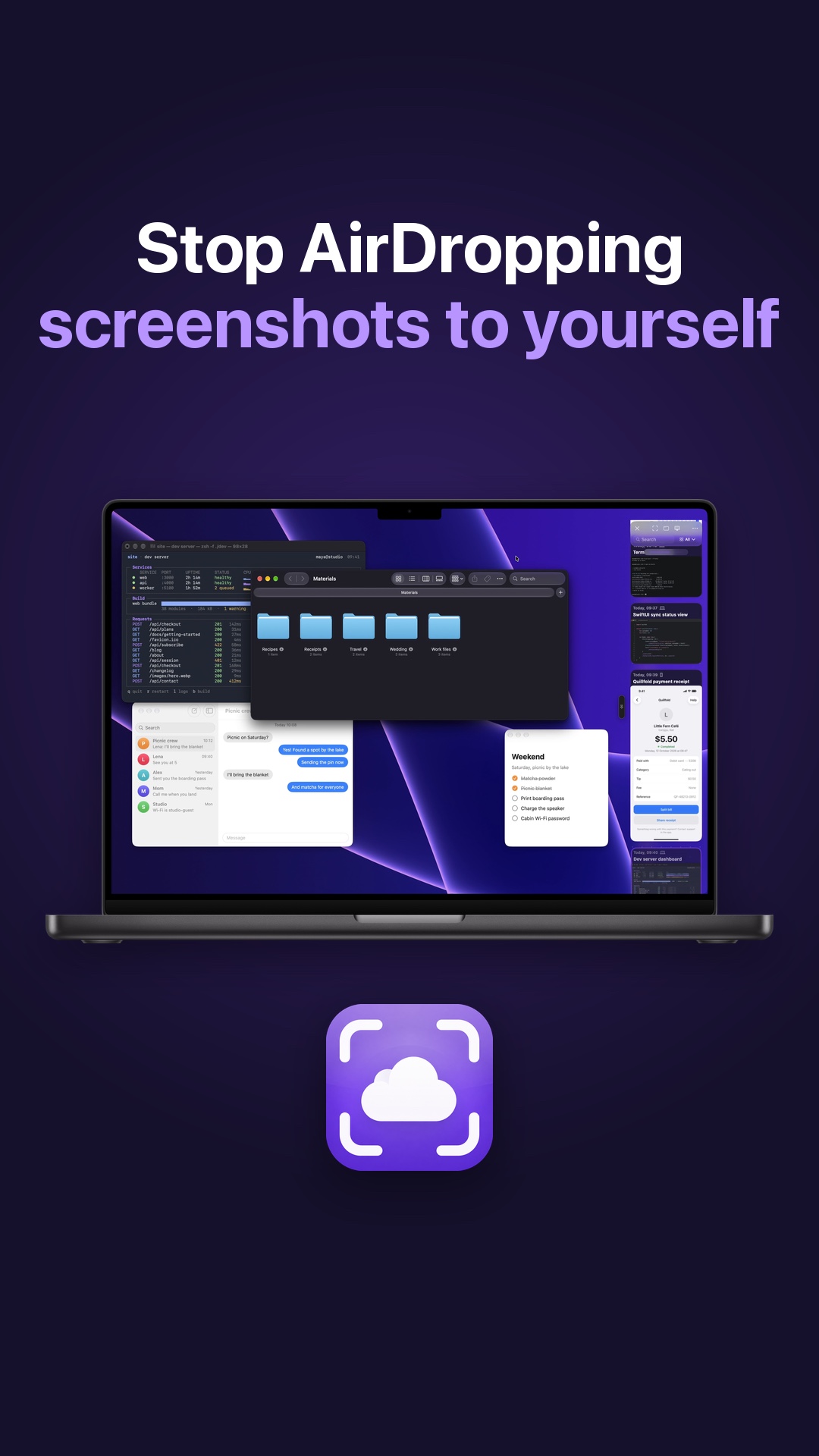 Mac Screenshot Tips: Stop AirDropping Screenshots to YourselfFour Mac screenshot tips: a panel beside your work, sync to iPhone, iPad and Apple Watch through your private iCloud, search and redaction.
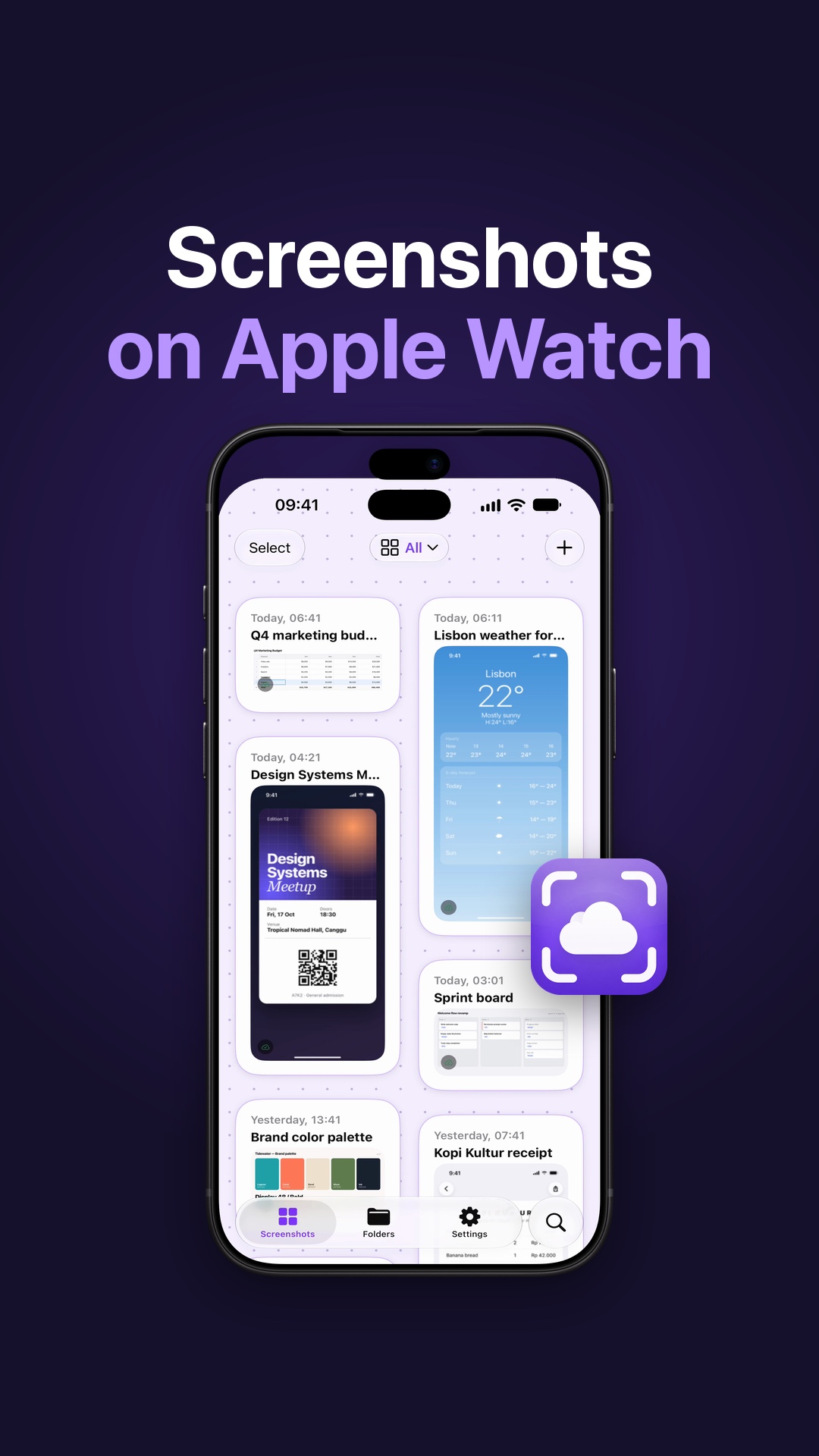 See iPhone Screenshots on Apple Watch: How It WorksYour recent iPhone screenshots can sit on your Apple Watch as a read-only history. Here is how CloudShots puts them there through your own iCloud.
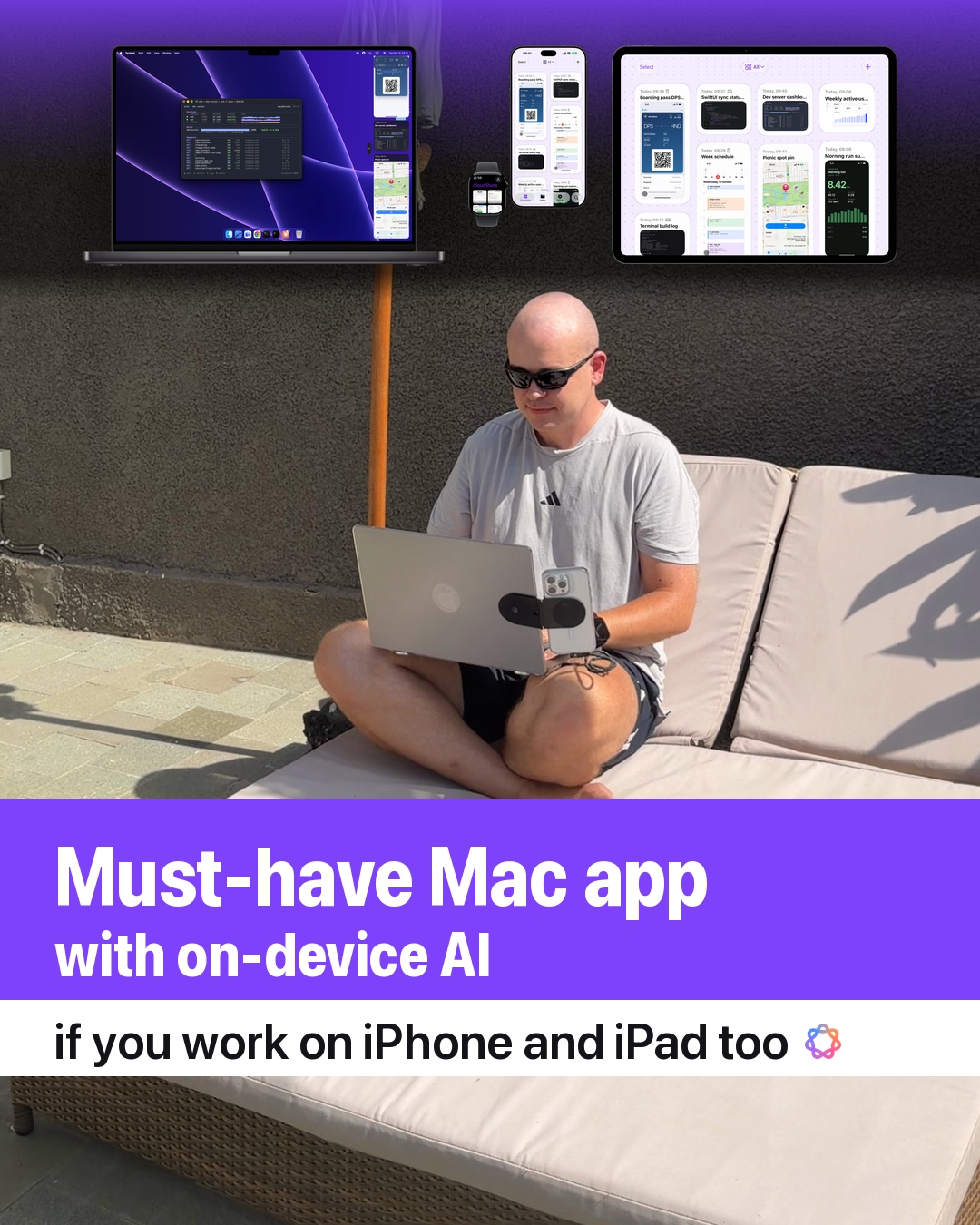 A must-have Mac app if you have an iPhone and iPadCloudShots keeps one screenshot library on your Mac, iPhone and iPad through your own private iCloud, with smart names, word search and a Mac panel.
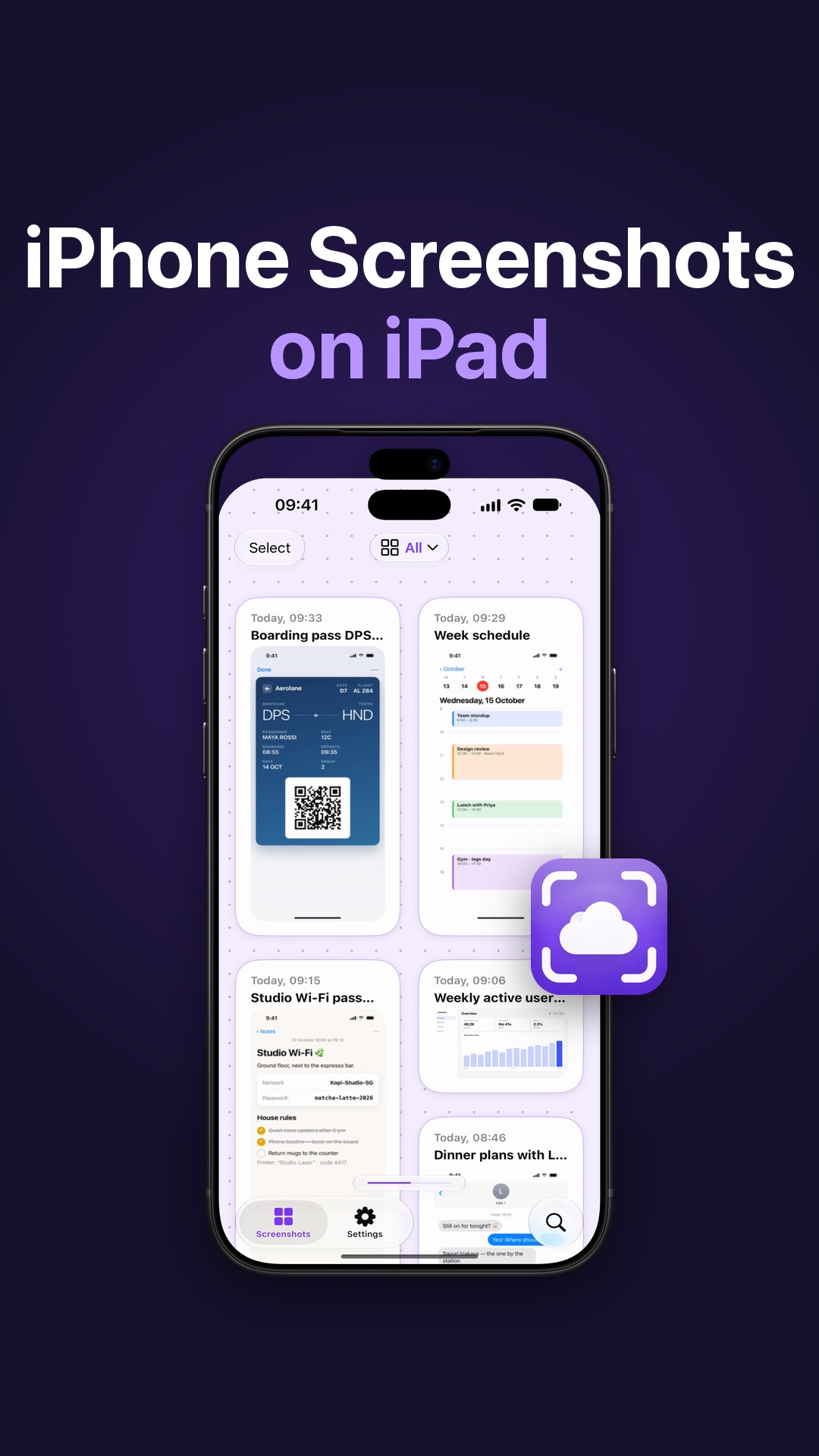 How to Get iPhone Screenshots on iPad Without AirDropTake a screenshot on your iPhone and have it on your iPad too. Here is how CloudShots shares one library between them through your private iCloud.
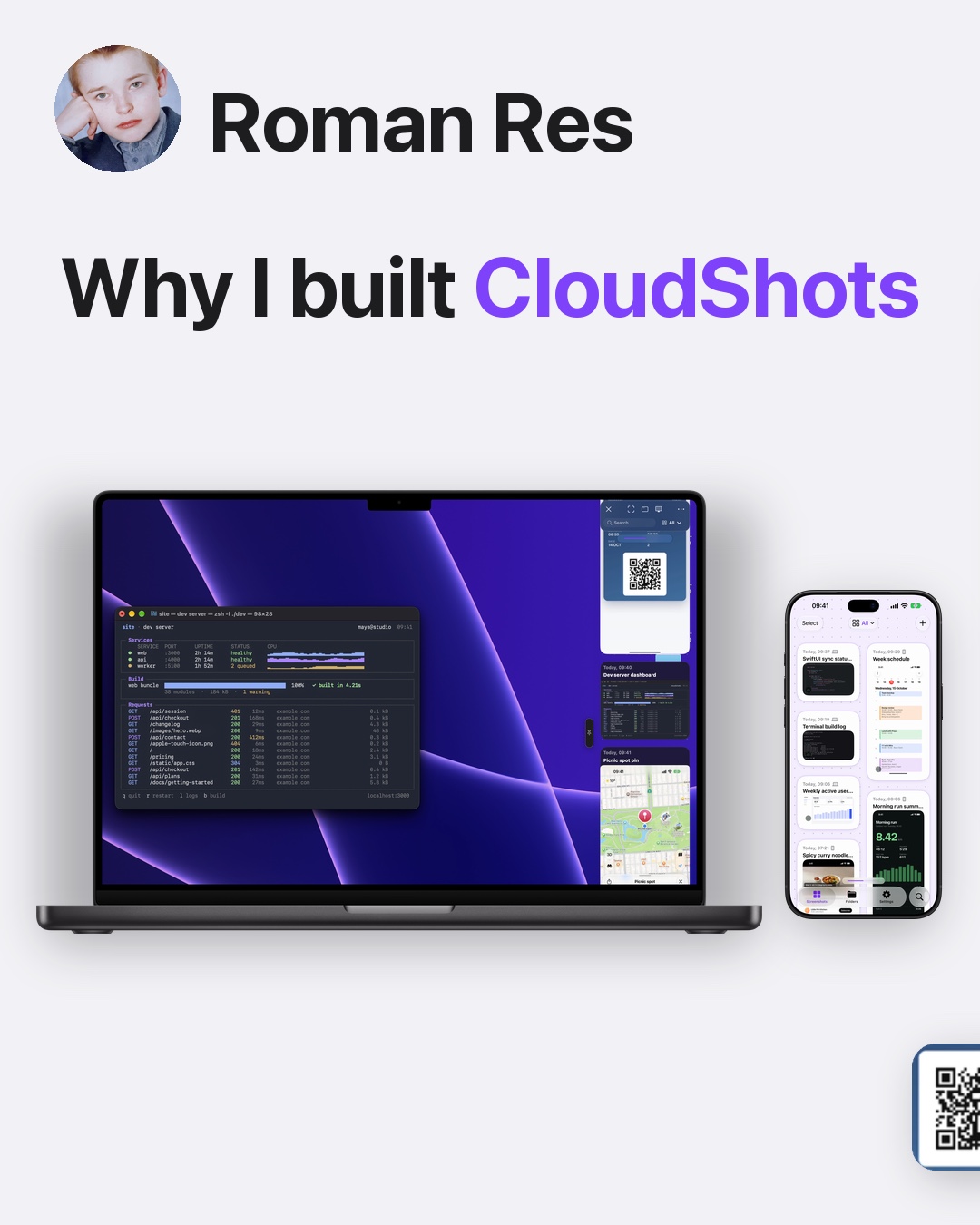 Why I built a screenshot app for iPhone and MacThe founder story behind CloudShots: one screenshot library on Mac, iPhone and iPad, kept in your own private iCloud with on-device smart features.
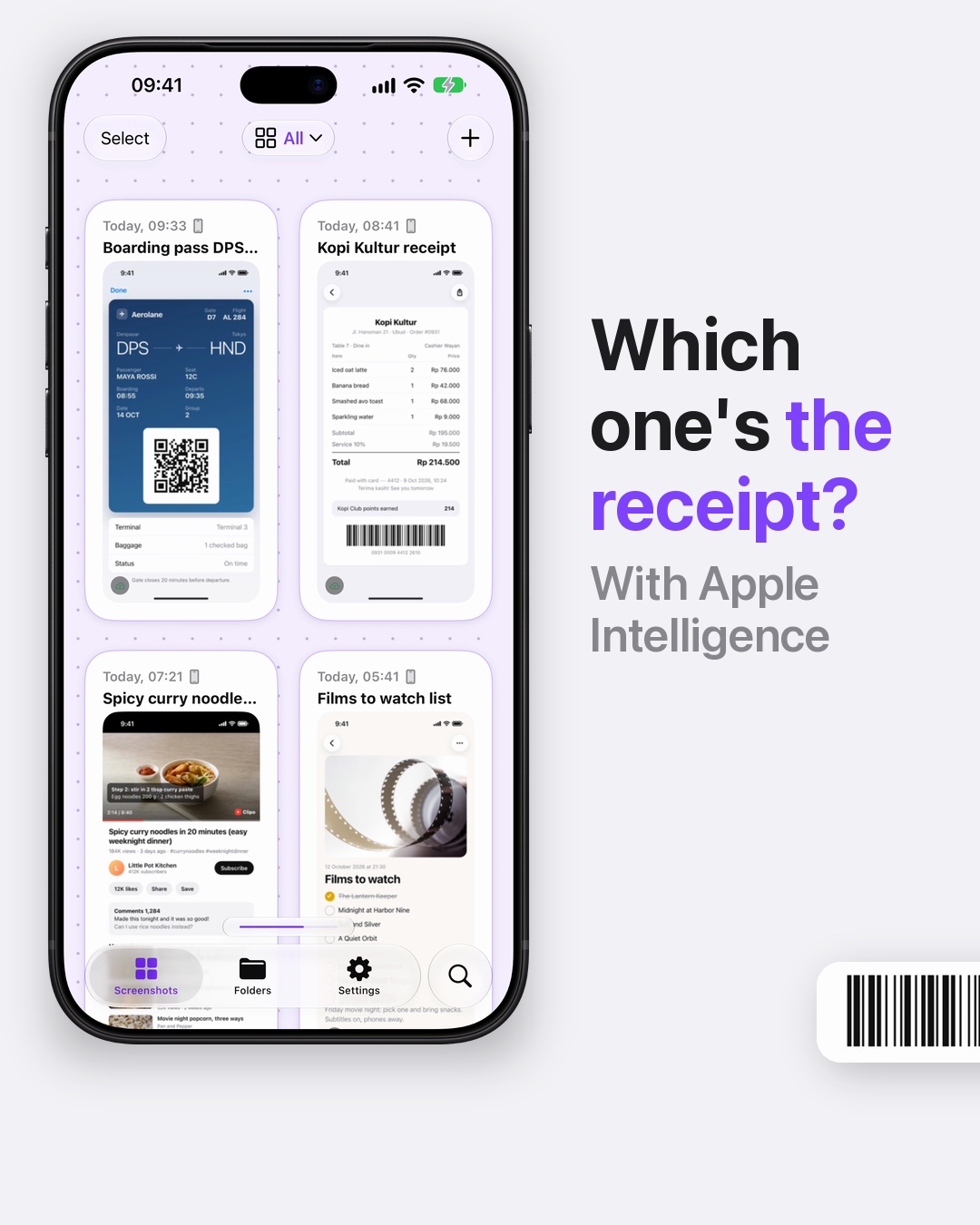 Name screenshots automatically: a week of mineA receipt, a boarding pass and a watchlist: see how CloudShots names screenshots automatically after what is in the picture, on supported devices.
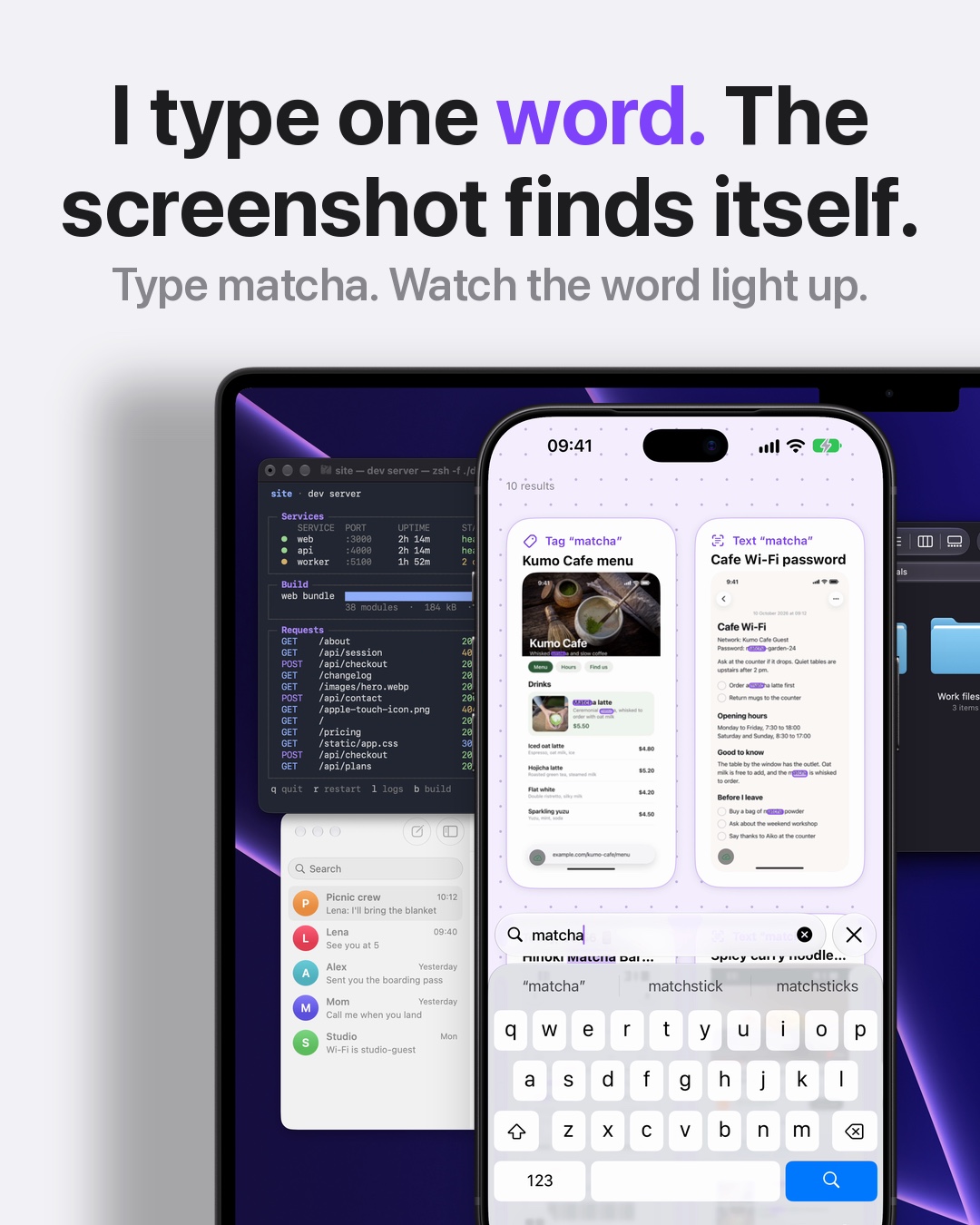 Search text in screenshots: type a word from the pictureType a word from a screenshot and find it. CloudShots reads the text in your screenshots on device, on iPhone and Mac, and lights the word inside the picture.
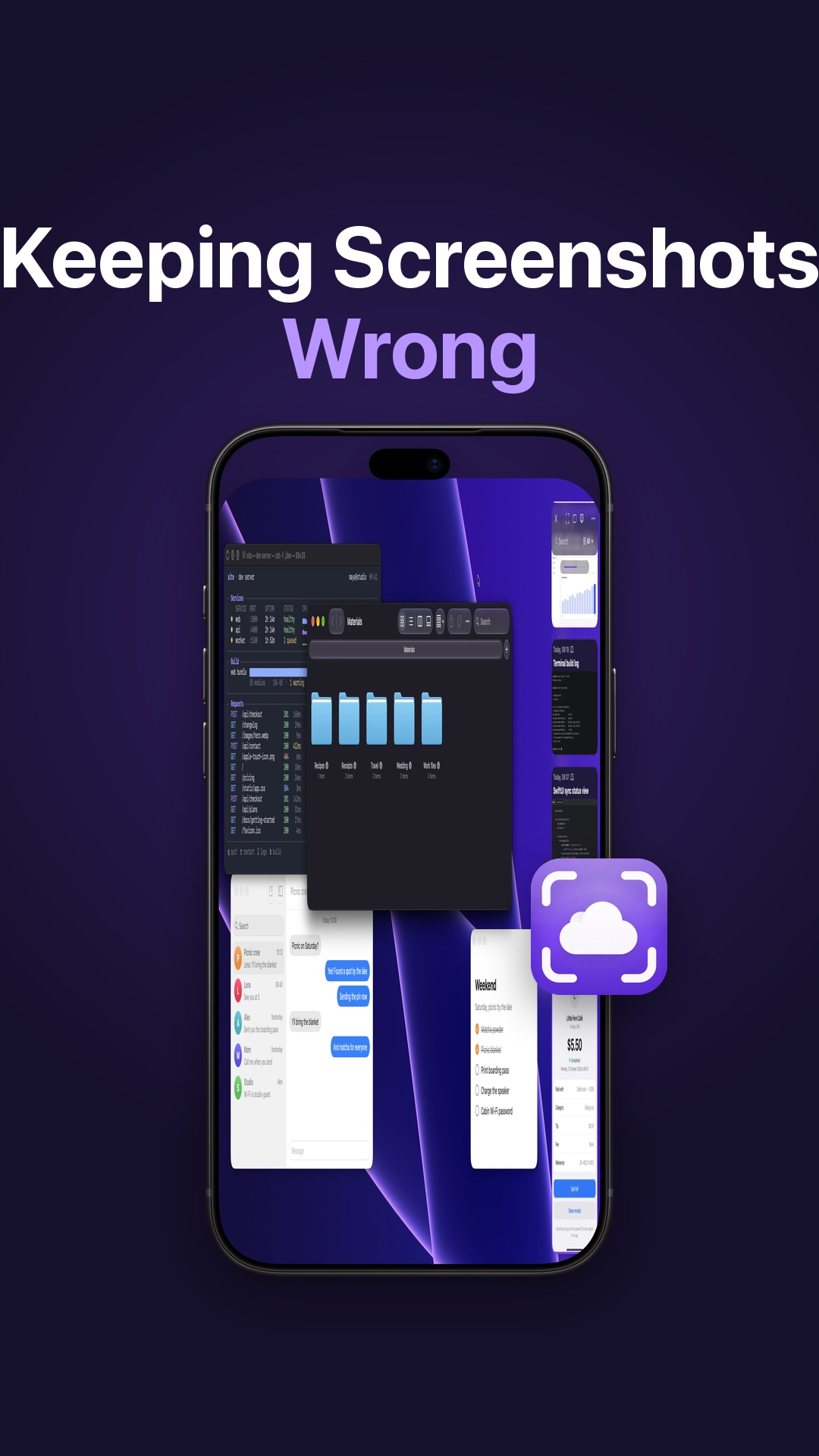 Stop Screenshots Cluttering Your Mac DesktopA Desktop full of Screenshot files is the macOS default. Here is how CloudShots gathers them into one feed in a panel and keeps the Desktop clear.
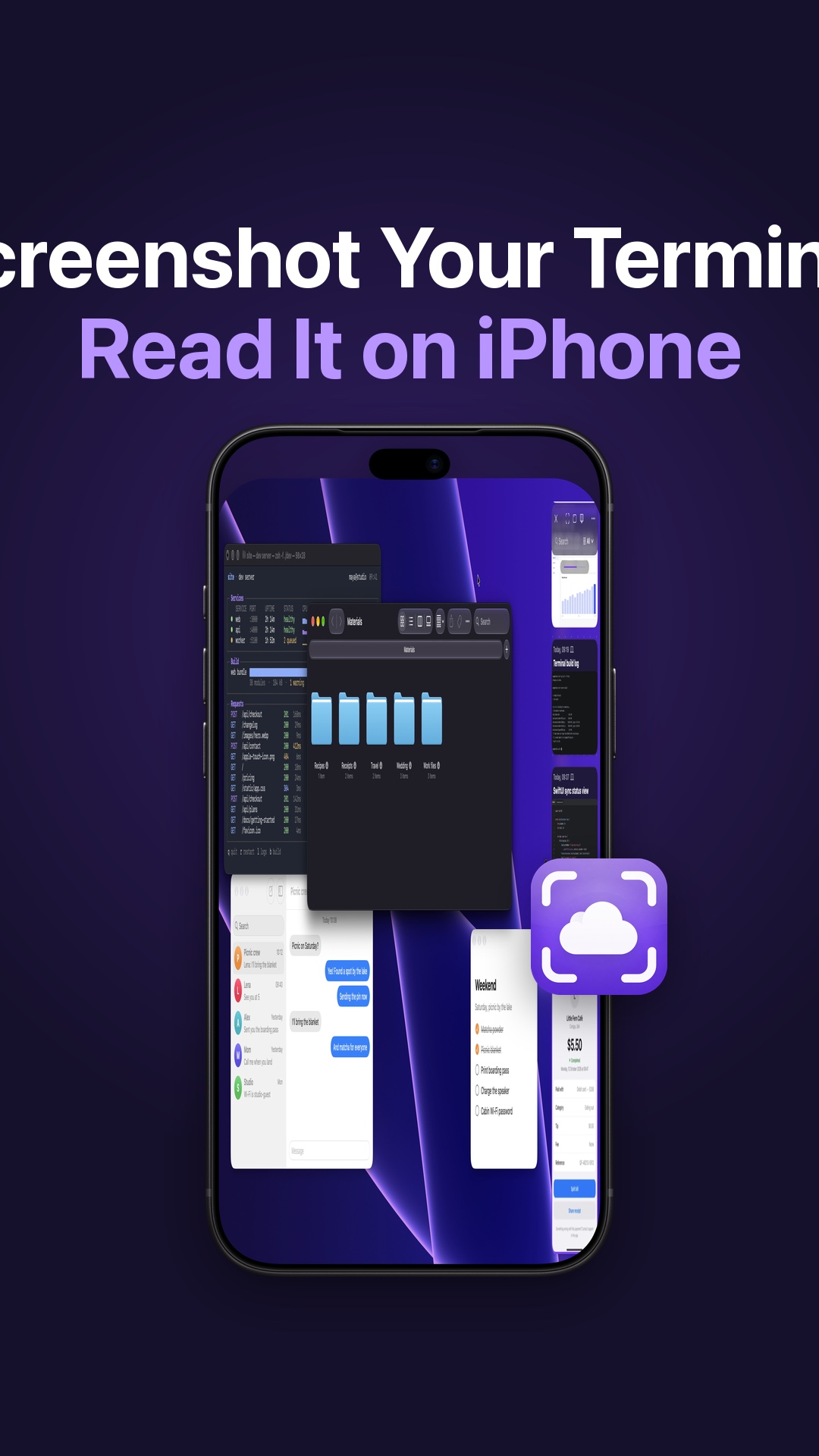 Send Mac Screenshots to iPhone: Terminal Output for DevelopersSkip photographing your monitor. Here is how developers send Mac screenshots to iPhone with CloudShots, through their own private iCloud, with no server of ours
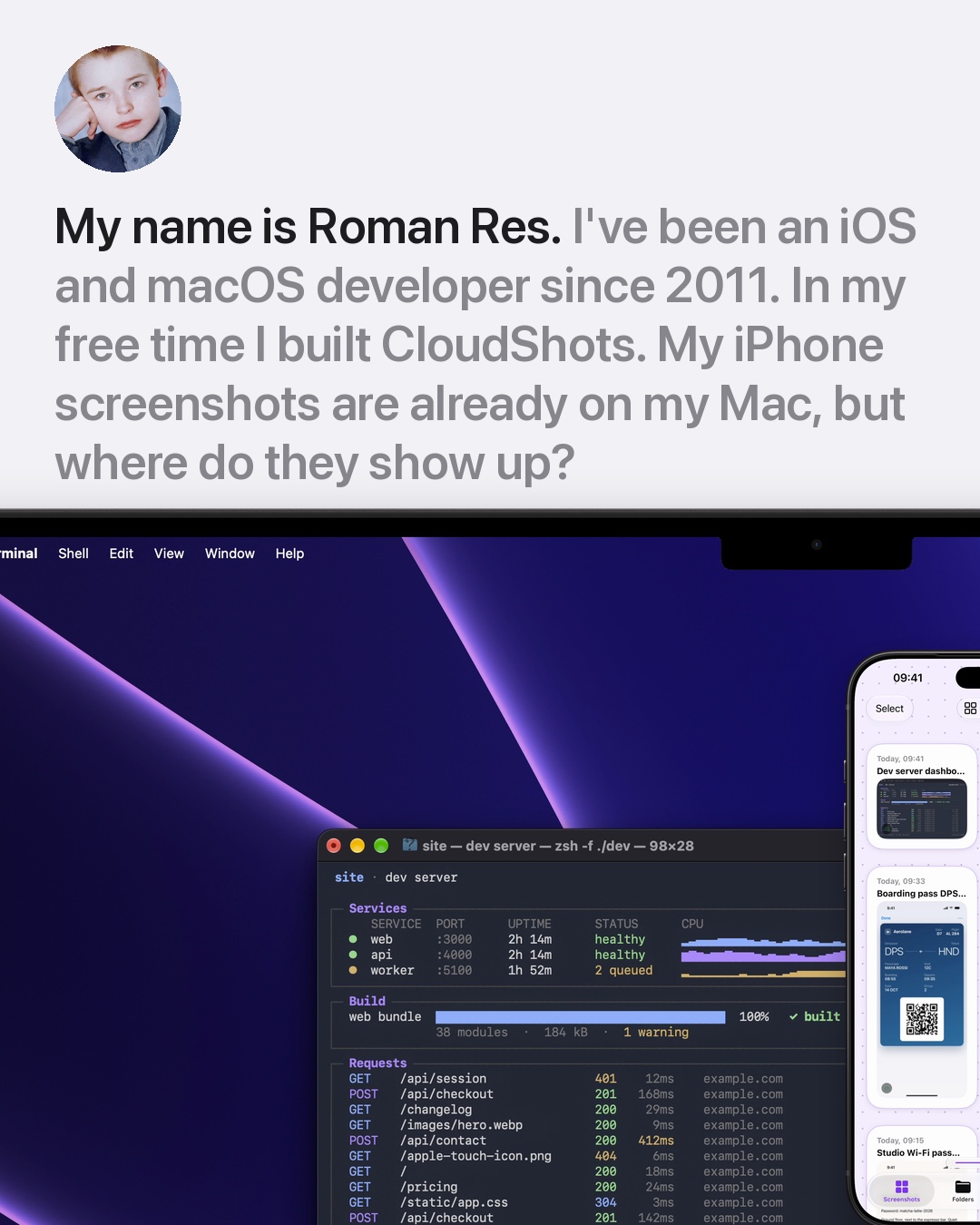 A Mac screenshot panel with your iPhone screenshots in itTake a screenshot on your iPhone and find it in a panel at the edge of your Mac, beside your work. How the CloudShots Mac panel and iPhone feed share a library.
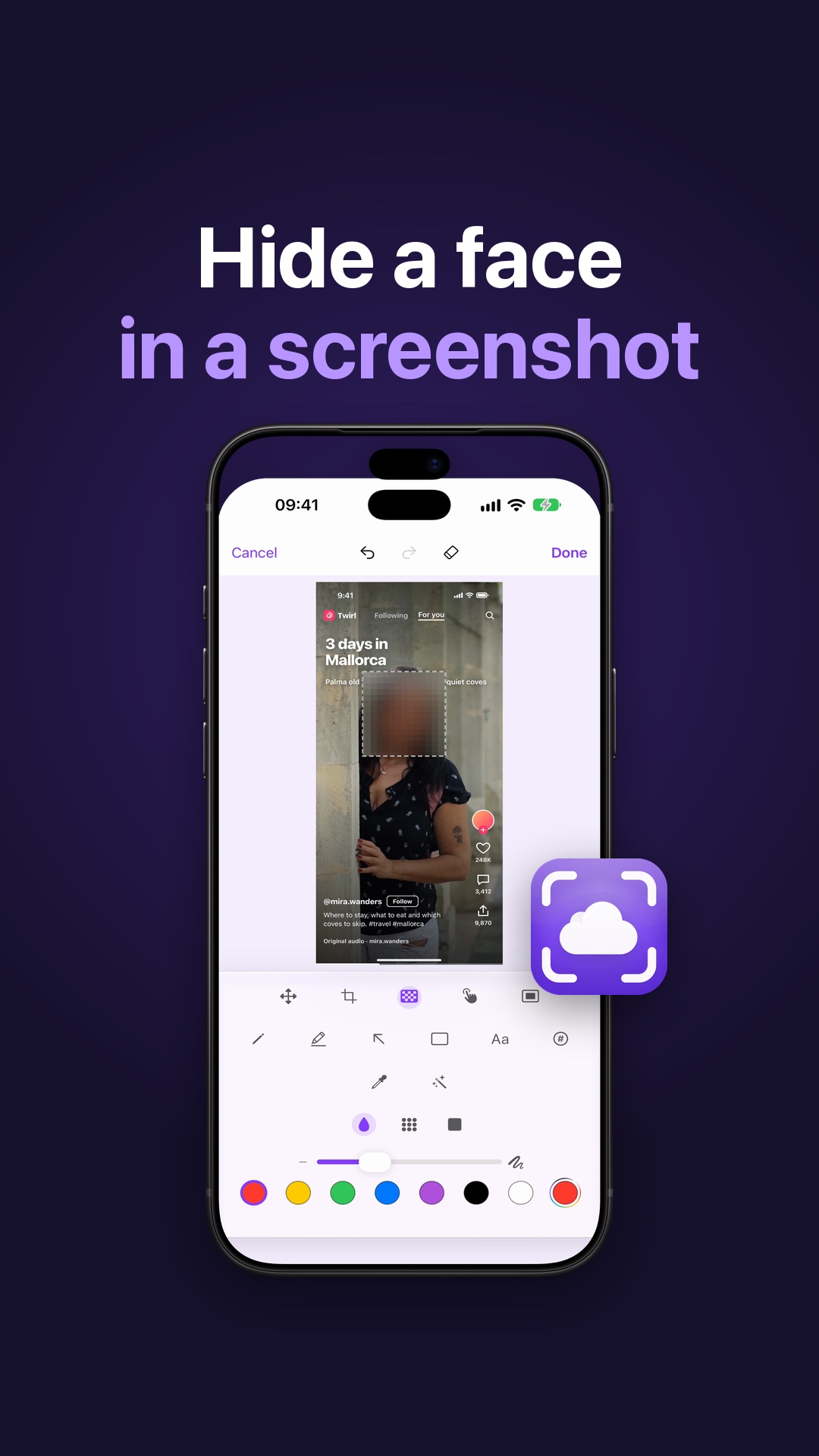 How to Hide a Face in a Screenshot on iPhone and MacRedact faces, redact all text or blur the background in a screenshot before you share it, then restore the original. Face detection runs on your device.
 I Screenshot Everything: How to Find Old Screenshots on iPhoneScreenshot everything and still find it: CloudShots gives each screenshot a Smart name on your device and searches the text inside every one.
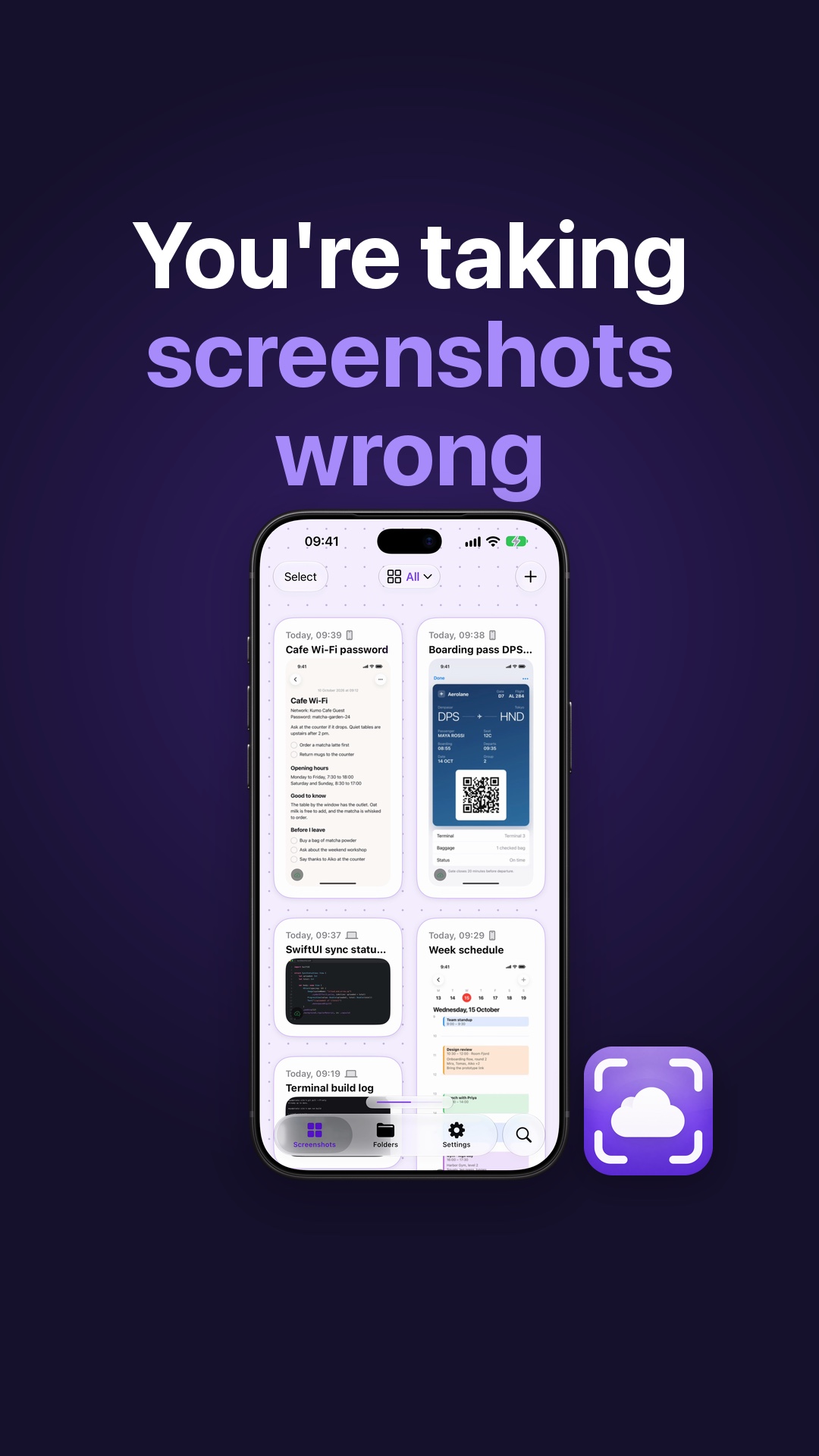 How to Name and Find Every Screenshot on iPhone and MacGive every screenshot a name that makes sense and search the words inside it on iPhone and Mac. Smart names run on your device with Apple Intelligence.
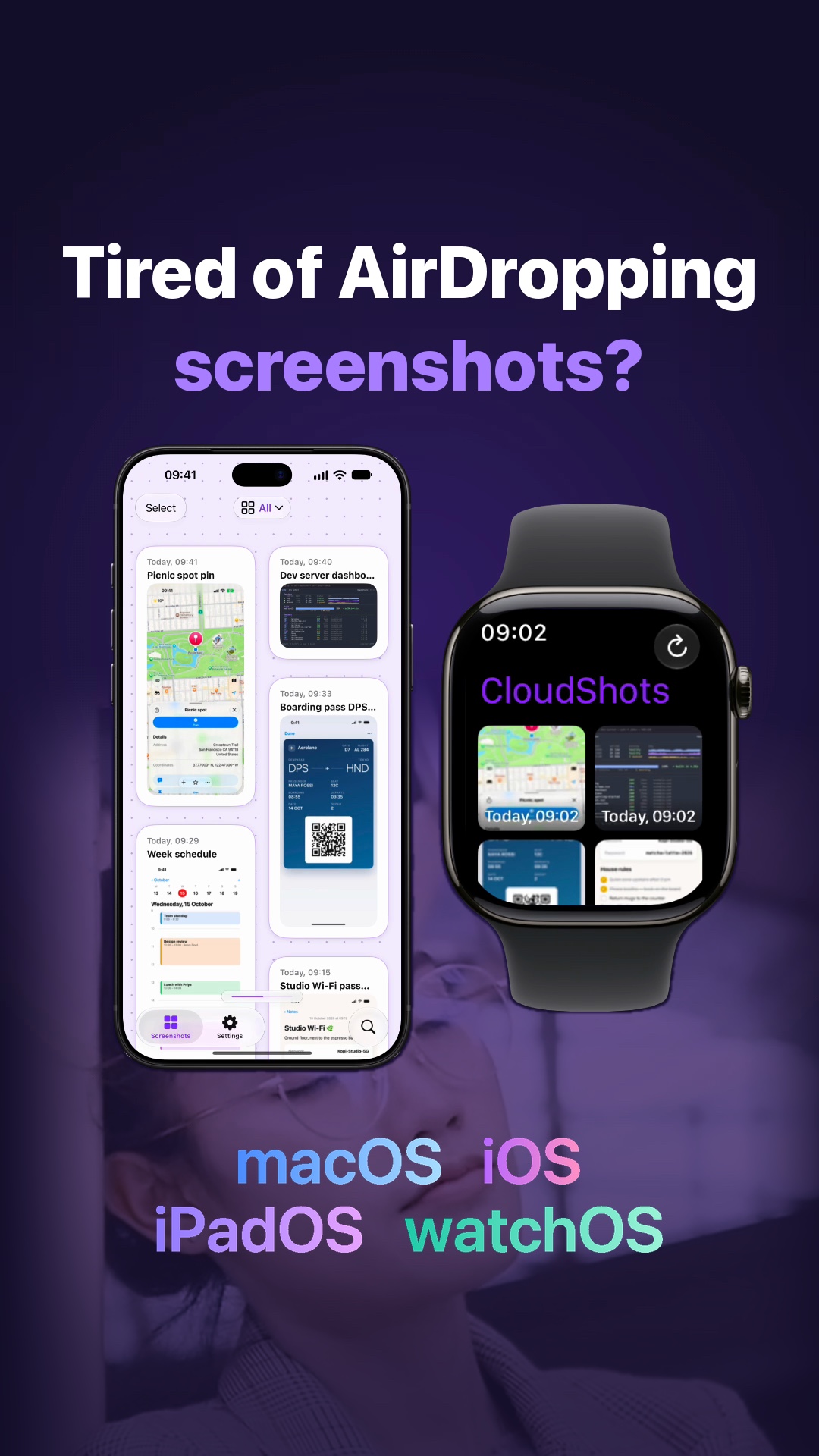 Transfer Screenshots from iPhone to Mac Without AirDropTransfer screenshots from iPhone to Mac without AirDrop: CloudShots syncs each one to your Mac, iPad and Apple Watch through your private iCloud, no server.
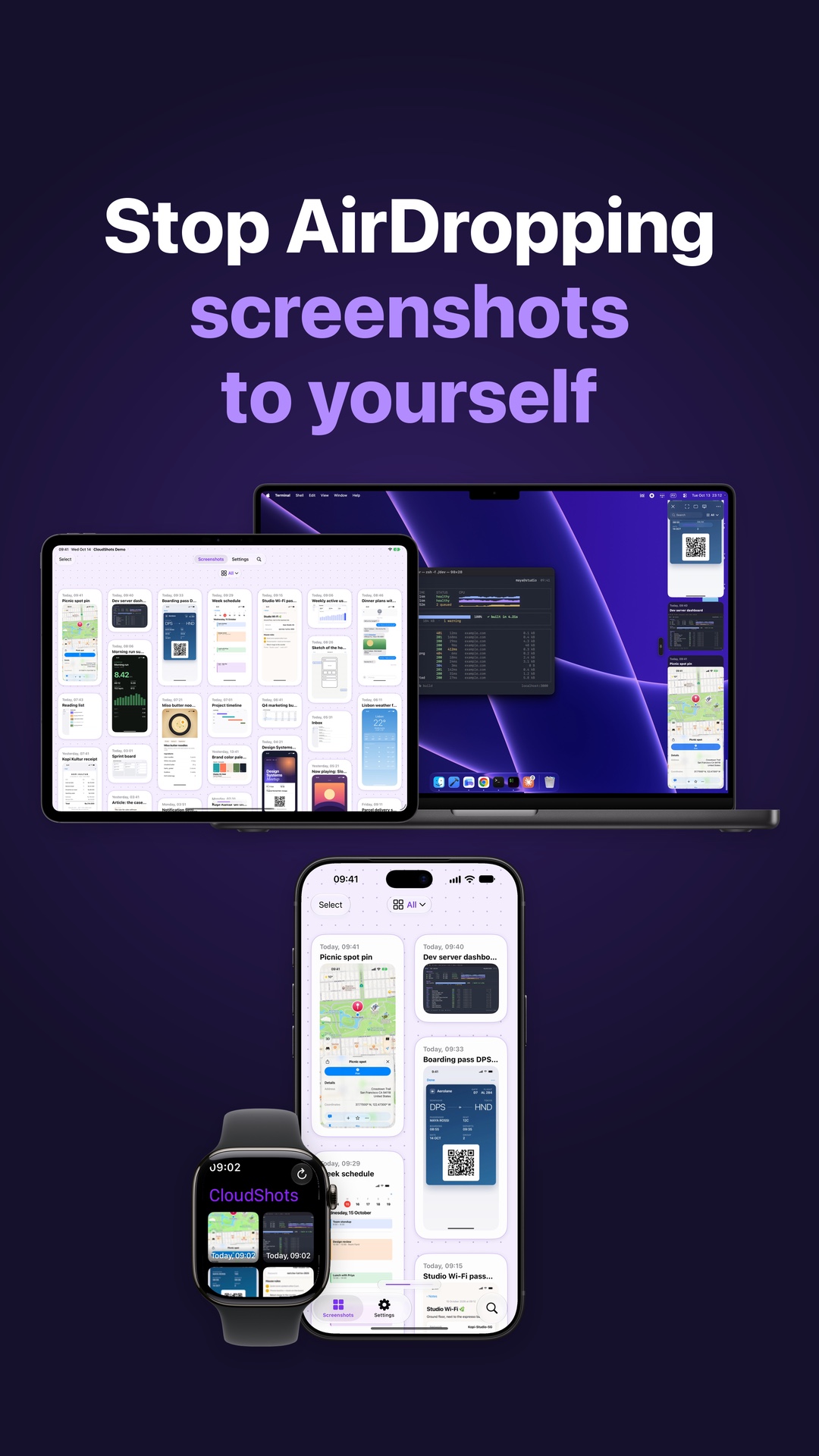 Sync Screenshots from iPhone to Mac Without AirDropTake a screenshot on iPhone and find it in CloudShots on your Mac, iPad and Apple Watch through your private iCloud, with no AirDrop and no server.
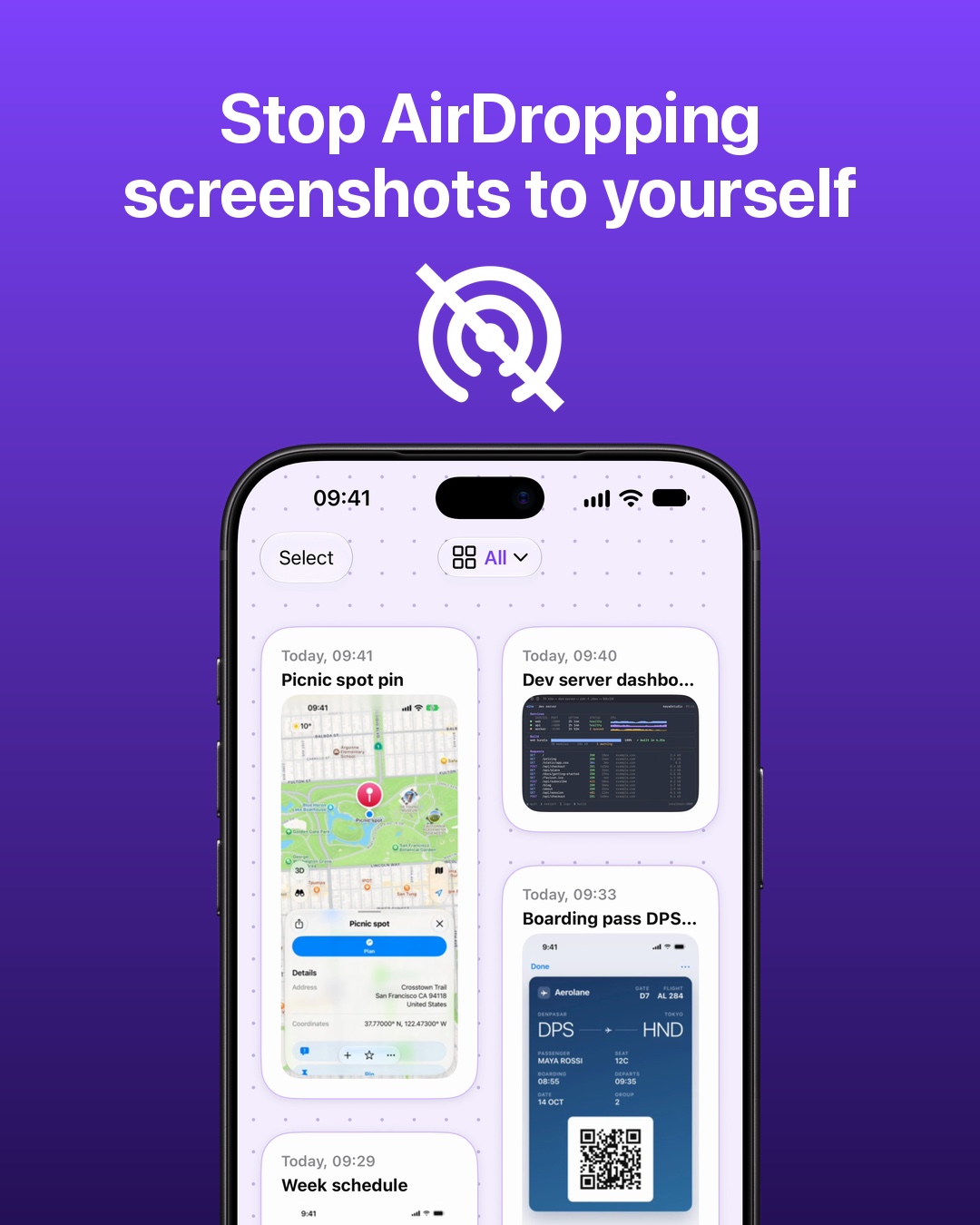 Stop AirDropping screenshots to yourselfFind iPhone screenshots on your Mac, iPad and Apple Watch with CloudShots. Your screenshot library syncs through your own private iCloud.
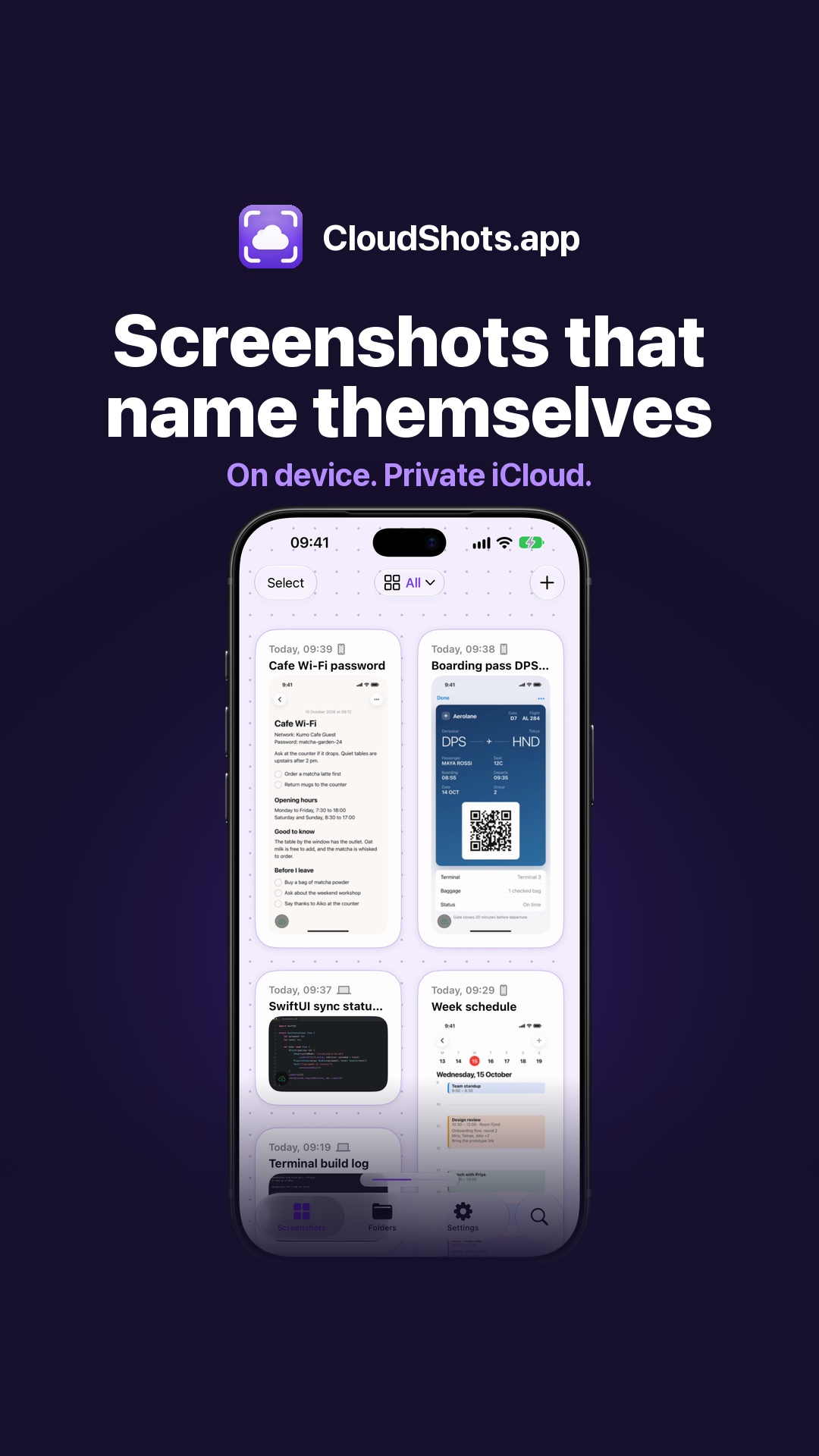 How to Rename Screenshots Automatically on iPhone and MacWith Apple Intelligence, CloudShots gives every screenshot a name that makes sense, written on your iPhone or Mac from the text and the picture.
 How to Find Any Screenshot by What’s Inside on iPhone and MacType a word and CloudShots finds the screenshot by the text and pictures inside, on iPhone and Mac. Recognition runs on your device, synced through your iCloud.
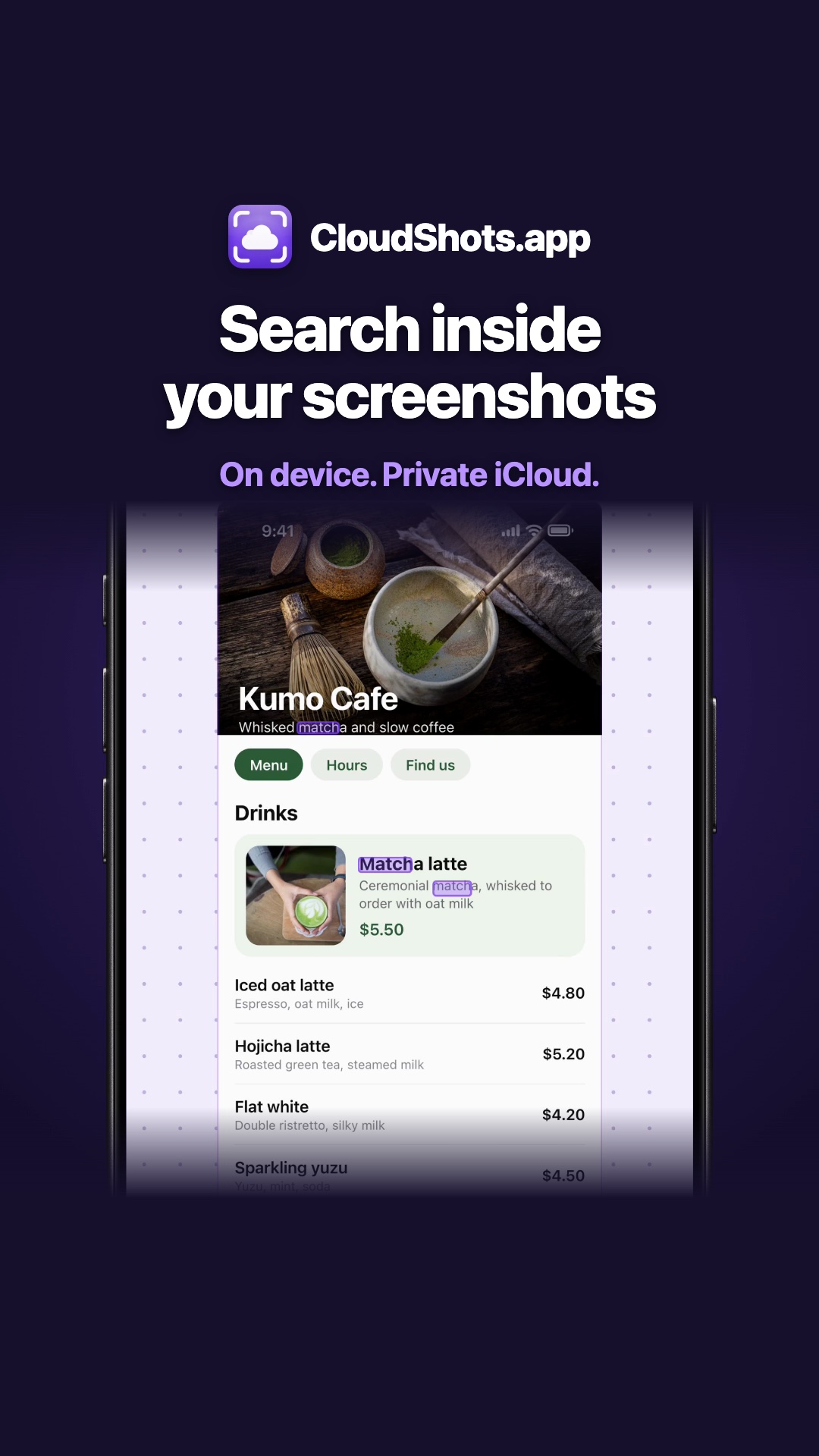 How to Search Text Inside Screenshots on iPhone and MacType one word and CloudShots finds the screenshot by the text inside it, on iPhone and Mac. A step-by-step guide to search text in screenshots.
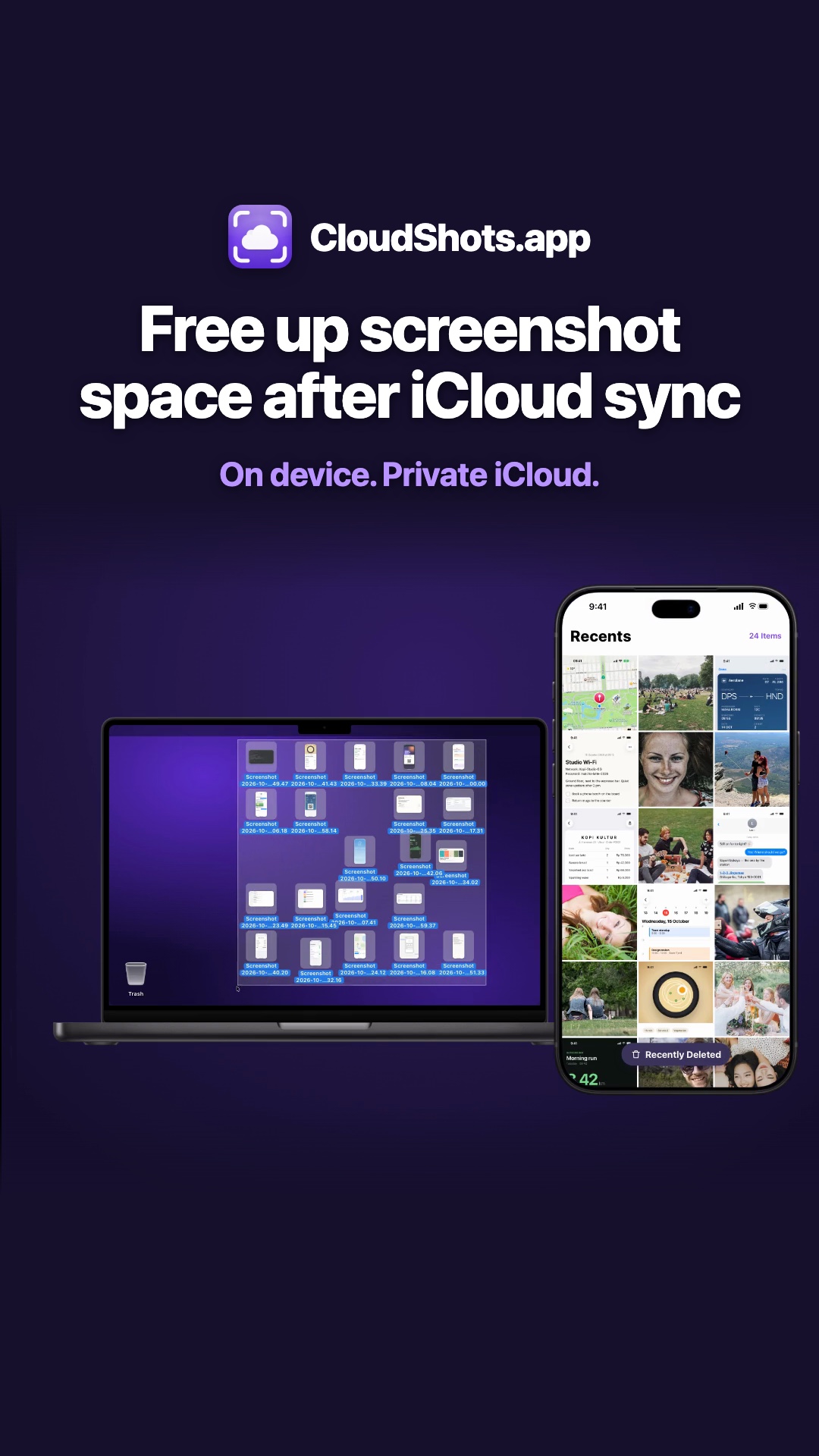 Free Up Screenshot Space on iPhone and Mac After iCloud SyncFree up screenshot space on iPhone and Mac: CloudShots confirms each screenshot is in iCloud, then moves the original to Recently Deleted or the Trash.
 Screenshot on Mac, already on every Apple deviceTake a screenshot on your Mac and it shows up on your iPad, iPhone and Apple Watch through your own private iCloud.
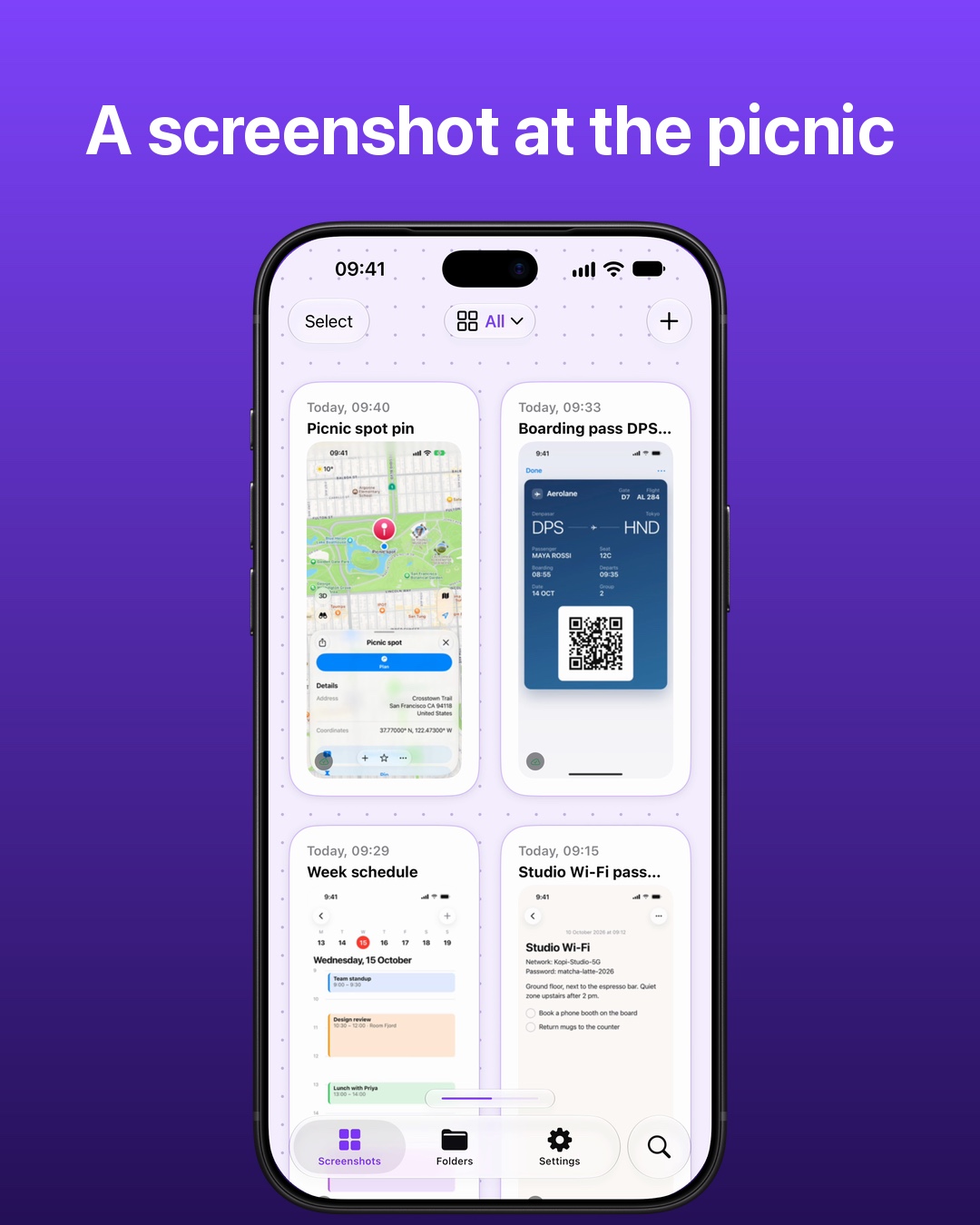 Screenshot on iPhone, already on your MacTake a screenshot on your iPhone and it lands in the CloudShots panel on your Mac a moment later, through your own private iCloud.
 Why I Built a Screenshot Sync App for Mac and iPhoneI'm an iOS and macOS developer, and CloudShots is my weekend project: screenshots from Mac to iPhone, iPad and Apple Watch through private iCloud.
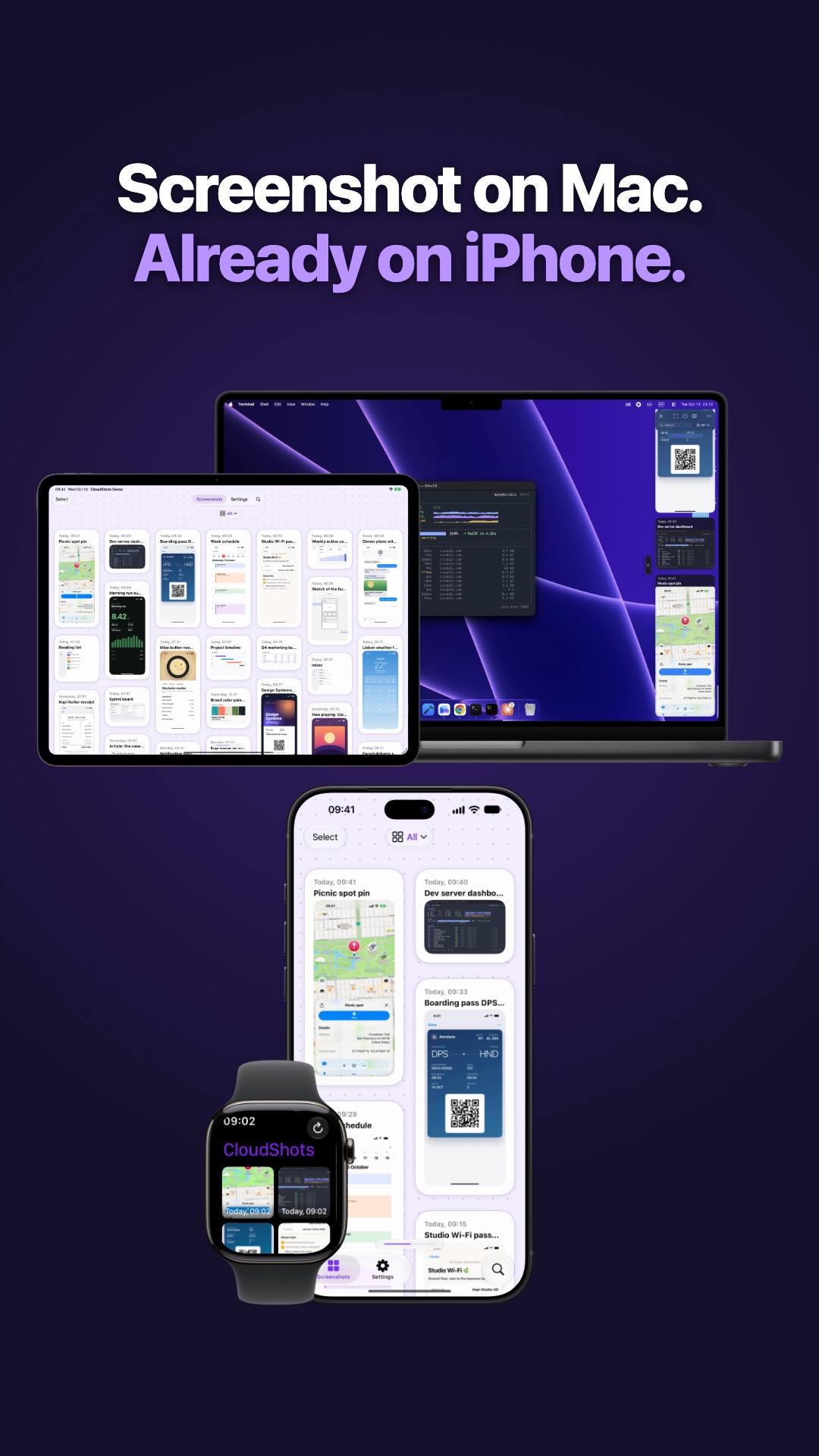 How to Sync Screenshots From Mac to iPhone AutomaticallyTake a screenshot on your Mac and CloudShots puts it on your iPhone, iPad and Apple Watch a moment later, through your own private iCloud.